

- お役立ち記事
- UI design development and key points for improving usability

スタートアップから大手まで。
調達・受発注をAIで標準化。
相見積比較も進捗管理もAIが下支え。取引先は招待で完全無料。

UI design development and key points for improving usability

目次
Understanding UI Design
UI, or User Interface design, is a crucial element in the development of software applications, websites, and digital products.
It involves designing the layouts and interfaces through which users interact with a digital product.
The goal of UI design is to create interfaces that are not only aesthetically pleasing but also efficient and easy to use.
UI design encompasses everything from buttons and icons to spacing, typography, color schemes, and responsive design elements.
It focuses on visual touchpoints that allow users to engage with the system.
With the right UI design, businesses can significantly enhance the user experience, leading to higher customer satisfaction and increased usage.
Principles of Effective UI Design
Several core principles guide effective UI design.
One of these is consistency, which involves maintaining uniformity across all interface elements.
Consistency helps users predict how things function, thus reducing the learning curve.
Another key principle is clarity.
Every element in the interface design should serve a clear purpose.
Avoid cluttered layouts and ensure that every component is intuitive and necessary.
Feedback is also essential.
Users should always be informed about the results of their interactions.
For instance, when a button is pressed, providing visual feedback, such as a color change, conveys that the action has been acknowledged.
The principle of simplicity cannot be overemphasized.
Simpler designs make it easier for users to navigate and complete tasks.
Reducing unnecessary elements enables users to focus on the most crucial parts of an interface.
Finally, accessibility is vital.
Ensuring that a UI is accessible means designing products that everyone, regardless of their abilities or disabilities, can use.
Steps in UI Design Development
The UI design process typically involves multiple stages.
Initially, designers must conduct research to understand the target audience and their needs.
This could involve user interviews, surveys, and analysis of user tasks.
Next, there is usually the development of wireframes, which are basic visual blueprints of the interface.
Wireframes help designers organize information, decide on user workflows, and prioritize features.
Once wireframes are established, the next step is prototyping.
This involves creating more detailed designs that include colors, typography, and image samples, allowing designers to refine their ideas further.
Review and testing proceed after prototyping.
Usability testing, in particular, helps identify any issues that might affect user interaction.
It provides insights into what works and what needs improvement.
Finally, after changes from the review are implemented, the UI design moves into the implementation phase.
Interaction developers use these designs to develop the final product.
Key Points for Improving Usability
Usability is all about making products easier and more efficient for users to employ.
Improving usability within UI design involves several strategies.
Firstly, prioritize the user in all design decisions.
Understanding who your users are, what they need, and their preferences should always guide your design choices.
Second, always aim for a simple design.
Complexity can lead to user mistakes.
Using fewer words, simple icons, and clear navigation paths enhances usability.
Continuously test with real users.
Observing how they interact with your design can give valuable insights.
This can lead to design modifications that result in better usability.
Improving load times by optimizing images and web elements is also crucial.
Users expect fast interactions, and delays can lead to dissatisfaction and frustration.
Last but not least, provide ample help and documentation.
Integrate tutorials, FAQs, and support functions to help users who might get stuck.
The Role of User Feedback
User feedback plays a vital role in UI design development.
By collecting feedback, designers can gain insights into the user experience.
This information helps in making informed adjustments to improve functionality and satisfaction.
Feedback can be gathered through surveys, direct user testing, or analytics tools that provide data on user interactions.
A willingness to iterate on your design, based on user feedback, often results in a superior end product.
Conclusion
UI design development is an essential component in the creation of successful digital products.
By focusing on principles like consistency, clarity, feedback, simplicity, and accessibility, designers can significantly improve usability.
A structured design process, emphasizing user priorities and incorporating continuous testing, ensures that the final product meets user needs.
Ultimately, the addition of user feedback during and after development leads to better-designed interfaces that enhance user satisfaction and engagement.
Embracing these strategies allows for the creation of UI designs that not only look good but work effectively, ensuring a positive user experience.
この記事の理解を深める
無料ホワイトペーパーをプレゼント
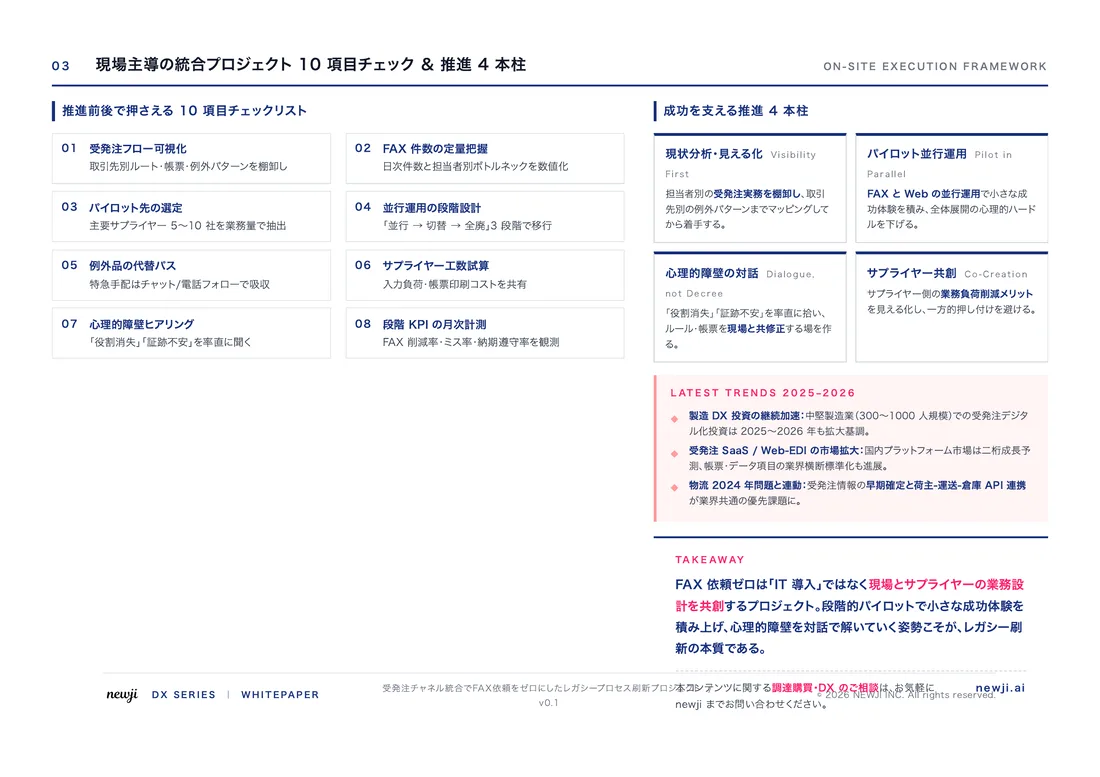
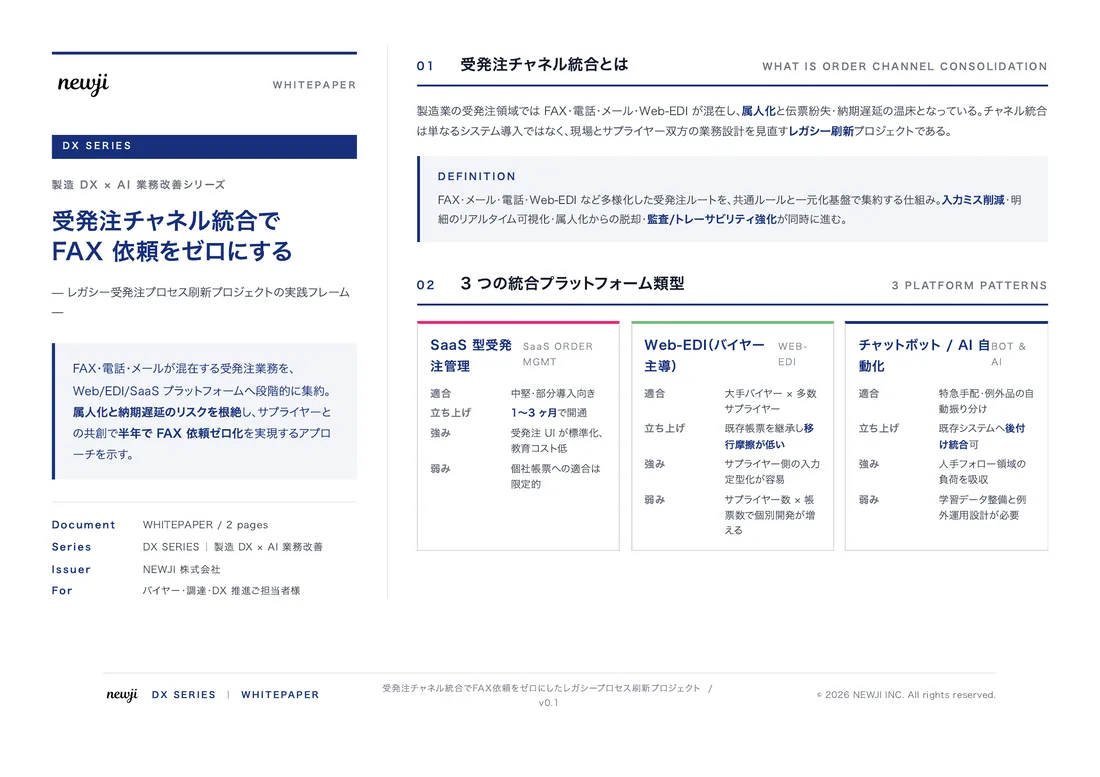
製造業の現場で使える実務資料(PDF)を無料でお届けします。"こんな資料が届きます" ↓ 下のボタンからどうぞ。
PRODUCT — 製造業向け 調達・受発注クラウド
この記事の課題、
newji で解決しませんか?
newji は、製造業の調達・受発注に特化したクラウド/AIエージェント。見積依頼・発注書作成・進捗管理・承認をひとつの画面に集約し、AIが比較と異常検知を担当。最後の「GO」だけ人が押す仕組みです。
- 見積〜発注〜納期を一元管理。催促・転記のムダをゼロに
- AIが相見積もり比較と異常検知。あなたは判断だけに集中
- 取引先は「招待」で完全無料。自社コストだけで取引先ごとデジタル化
※ 取引先から招待された企業様は完全無料でご利用いただけます


 調達購買アウトソーシング
 OEM/ODM 生産委託
 NEWJI DX
 受発注AIエージェント