

- お役立ち記事
- Basics and practical points for easy-to-use UI design and screen design

Basics and practical points for easy-to-use UI design and screen design

目次
Understanding UI Design
UI design, or User Interface design, is all about making digital products easy to use and interact with.
It’s like creating the look and feel of a website, app, or software so that users can intuitively understand and navigate it.
A well-designed UI makes using a digital product a pleasant experience, reducing frustration and improving efficiency.
Think of it as designing the dashboard of a car; you want it to be intuitive, with all necessary controls within easy reach, and information displayed clearly.
Importance of User Interface Design
The primary goal of UI design is to enhance user satisfaction by improving the usability, accessibility, and pleasure a user derives from interacting with the product.
A good UI design can significantly influence users to continue using a product or returning to a website.
It helps in making the first impression positive and memorable.
When a UI is intuitive and engaging, it can lead to increased user retention and higher conversion rates, which is important for the success of any digital product or service.
Elements of UI Design
UI design is composed of various elements that together create a coherent and user-friendly interface.
Some of the key components include:
– **Layout**: This determines the structure and positioning of various elements on the screen.
– **Visual Design**: It involves the color scheme, typography, and iconography that make the interface appealing.
– **Interactive Elements**: These are buttons, sliders, checkboxes, and other elements that the user interacts with.
– **Icons and Graphics**: These provide visual cues and assist users in navigation and understanding the interface.
– **Typography**: The style and arrangement of text help convey the necessary information clearly and effectively.
Principles of Effective UI Design
For a UI design to be effective, several guiding principles must be followed.
These principles help ensure that the interface is not only functional but also user-friendly.
Consistency
Consistency is crucial in UI design because it makes the product predictable and easy for users to learn.
By keeping design elements consistent, like using similar buttons and icons across different pages, users can quickly grow familiar with the UI.
They should feel confident knowing how to accomplish tasks without constantly learning new patterns.
Simplicity
A simple design is often more effective.
Complex interfaces can overwhelm users and make navigation difficult.
Aiming for minimalism in design—by providing only the necessary elements and avoiding clutter—can lead to a more intuitive user experience.
This means removing unnecessary icons or features that do not add value.
Feedback
Feedback is an essential element of UI design, ensuring users are aware of what action is taking place.
Whether it is a button changing color when clicked, a pop-up message after form submission, or a progress indicator during file upload, feedback reassures the user that their actions are being recognized and processed.
Accessibility
An accessible UI design ensures that all users, including those with disabilities, can use a product effectively.
Accessibility can be improved by providing text alternatives for images, ensuring enough contrast between text and backgrounds, and allowing navigation via a keyboard.
This consideration makes your design inclusive, reaching a broader audience.
Practical Points for UI Design
While understanding the basics is important, knowing how to apply them in practical scenarios is equally crucial for designing effective UIs.
User Research
Before jumping into design, it’s important to understand your audience.
Conducting user research helps gather insights about user needs, preferences, and behaviors.
This information can guide design decisions and ensure that the final product aligns with user expectations and enhances their experience.
Wireframing and Prototyping
Creating wireframes allows designers to sketch out a basic structure of the user interface without getting distracted by visual elements.
Wireframes serve as a blueprint, helping visualize layout, information hierarchy, and interaction flow.
Prototypes go one step further by enabling a clickable version of the UI that can be tested with real users to gather feedback and make improvements.
Usability Testing
Usability testing involves observing real users as they interact with the UI.
This helps identify areas where users encounter difficulties and provides insights for making necessary adjustments.
Usability testing ensures the design meets user needs and can reveal issues that might not be immediately apparent to the design team.
Iterative Design
Design is an iterative process.
Feedback from usability testing and user research should be used to refine and improve the design continuously.
Iterative design involves making small, incremental changes, testing them, and adjusting as needed to enhance the overall user experience.
Conclusion
Creating an easy-to-use UI and screen design involves a deep understanding of user requirements and aligning design principles with these needs.
By focusing on consistency, simplicity, feedback, and accessibility, and through practical strategies like user research and usability testing, designers can create interfaces that are not only effective but also delightful to use.
As the digital landscape continues to expand, honing your UI design skills will be invaluable, ensuring that you can create user-centric products that stand out and succeed.
この記事の理解を深める
無料ホワイトペーパーをプレゼント
製造業の現場で使える実務資料(PDF)を無料でお届けします。"こんな資料が届きます" ↓ 下のボタンからどうぞ。
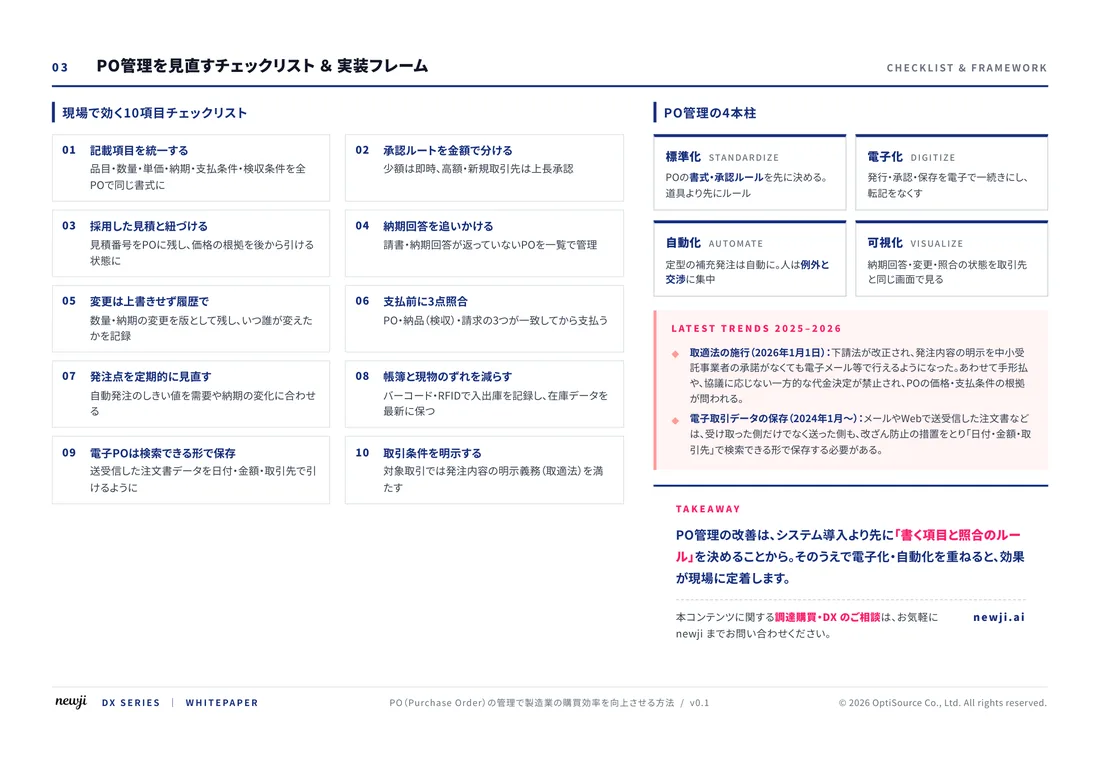
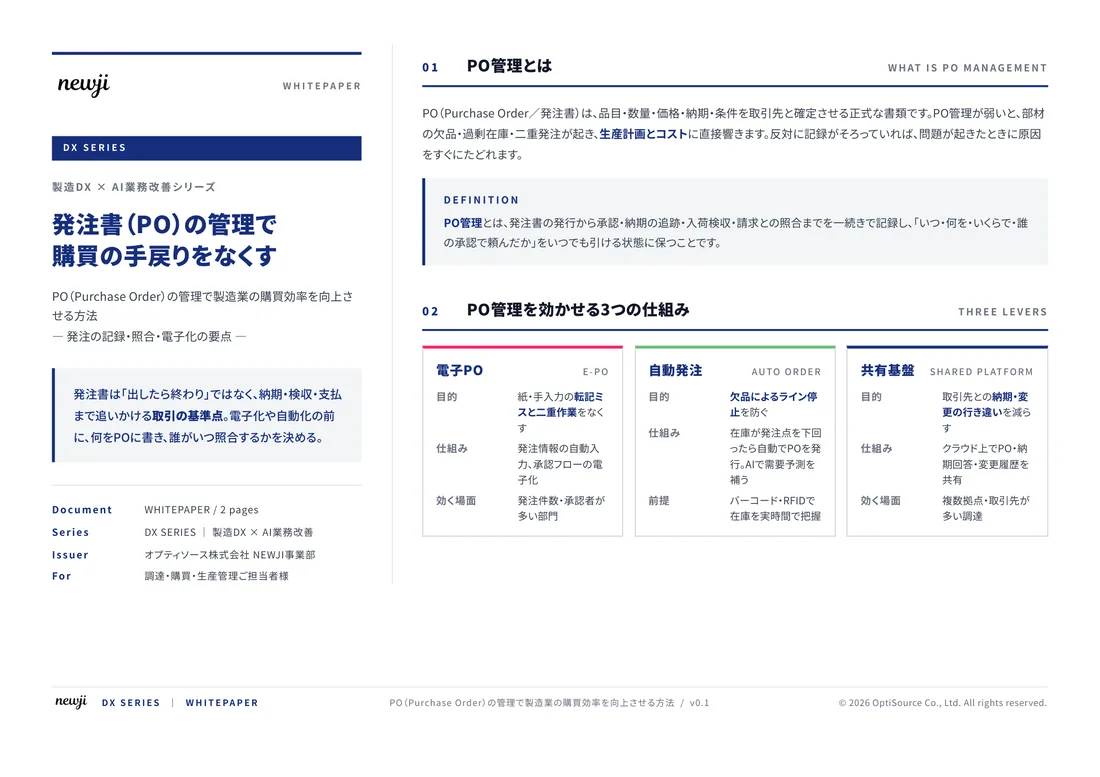
FREE DOCUMENT — サービス資料(PDF・無料)
製造業の見積・受発注クラウド
「Newji one」とは
Newji one は、製造業の調達・受発注に特化したクラウド/AIエージェント。見積依頼・発注書作成・進捗管理・承認をひとつの画面に集約し、AIが比較と異常検知を担当。最後の「GO」だけ人が押す仕組みです。
▶ 製造業の見積・受発注クラウド「Newji one」を、資料で見る(PDF・無料)
- 見積〜発注〜納期を一元管理。催促・転記のムダをゼロに
- AIが相見積もり比較と異常検知。あなたは判断だけに集中
- 取引先は「招待」で完全無料。自社コストだけで取引先ごとデジタル化
※ 取引先から招待された企業様は完全無料でご利用いただけます
関連記事
-

Manufacturing Innovations Enabled by Digital Twin Technology
-

初心者でもわかるVLANの基礎知識と導入方法
-
The Fusion of Digital and Reality AR/VR in Manufacturing
-
Overcoming the Digital Skills Gap in Manufacturing
-
Catching the Wave of Innovation at the Forefront of Digitalization in Manufacturing
-

Building a Digital Infrastructure to Support the Next Generation of Manufacturing
 NEWJI総研
 OEM/ODM 生産委託
 AI/DX支援
 見積・発注クラウド Newji one
受発注が増えるほど、入力・確認・催促が重くなる。
受発注管理を“仕組み化“して、ミスと工数を削減しませんか。
見積・発注・納期まで一元管理できます。