

- お役立ち記事
- TensorFlow lecture for practice
スタートアップから大手まで。
調達・受発注をAIで標準化。
相見積比較も進捗管理もAIが下支え。取引先は招待で完全無料。

TensorFlow lecture for practice

目次
Introduction to TensorFlow
TensorFlow is a powerful open-source machine learning library developed by the Google Brain team.
It is widely used for numerical computation and large-scale machine learning tasks.
Whether you’re a researcher, data scientist, or software developer, TensorFlow has robust tools that can help you build and deploy machine learning models effectively.
The goal of this article is to provide you with a practical introduction to TensorFlow.
We’ll explore the basics, discuss its components, and demonstrate how you can use it in your projects.
Understanding Machine Learning
Before diving into TensorFlow, it’s important to have a basic understanding of machine learning.
Machine learning is a subset of artificial intelligence where computers learn from data without being explicitly programmed.
It involves using algorithms to make predictions or decisions based on input data.
There are several types of machine learning: supervised, unsupervised, and reinforcement learning.
Supervised learning is where the model learns from labeled data, while unsupervised learning deals with unlabeled data.
Reinforcement learning is based on a system of rewards and punishments.
TensorFlow can be used to implement all these machine learning types, making it an incredibly versatile tool.
What is TensorFlow?
TensorFlow simplifies the process of building machine learning models.
It provides a comprehensive ecosystem that includes a library of tools, pre-trained models, and community support.
The core functionality of TensorFlow revolves around creating computational graphs.
These graphs represent data and mathematical operations applied to the data.
TensorFlow models are built using tensors, which are multi-dimensional arrays.
These tensors flow through the graph and undergo transformations, hence the name TensorFlow.
Getting Started with TensorFlow
To start using TensorFlow, you’ll first need to install it on your computer.
You can install TensorFlow using pip, a package manager for Python.
Open your command prompt or terminal and run the following command:
“`
pip install tensorflow
“`
Once installed, you can import TensorFlow into your Python scripts and start building models.
Building a Simple Model
Let’s start by building a simple linear regression model with TensorFlow.
This model will predict house prices based on their sizes.
First, import the necessary libraries:
“`python
import tensorflow as tf
import numpy as np
“`
Then, define your dataset:
“`python
# Sample data: house size in square feet and respective prices
house_size = np.array([1400, 1600, 1700, 1875, 1100, 1550, 2350])
house_price = np.array([245000, 312000, 279000, 308000, 199000, 219000, 405000])
“`
Next, create the model:
“`python
# Define a linear regression model
model = tf.keras.Sequential([tf.keras.layers.Dense(units=1, input_shape=[1])])
# Compile the model
model.compile(optimizer=’sgd’, loss=’mean_squared_error’)
“`
Train the model:
“`python
# Train the model
model.fit(house_size, house_price, epochs=500)
“`
Finally, test the model with new data:
“`python
# Predict the price of a new house of size 1500 square feet
predicted_price = model.predict([1500])
print(f”Predicted price for 1500 sqft house is: {predicted_price[0][0]}”)
“`
Important Components of TensorFlow
TensorFlow includes several key components that you’ll often interact with:
Tensors
Tensors are the core data structures in TensorFlow.
They are similar to NumPy arrays but with added capabilities like running operations on GPUs or distributing operations across multiple devices.
Graphs and Sessions
In TensorFlow 1.x, computations were expressed as graphs, and a Session object executed these graphs.
TensorFlow 2.x promotes eager execution, allowing operations to be evaluated immediately.
This makes TensorFlow more intuitive and easier to use for beginners.
tf.keras
tf.keras is TensorFlow’s high-level API for building and training deep learning models.
It provides simple and easy-to-use interfaces, making it an excellent tool for both beginners and experienced practitioners.
Estimators
Estimators are TensorFlow’s implementation of popular machine learning algorithms.
They provide a scalable and easy-to-use approach to training and evaluating models.
Practical Applications of TensorFlow
TensorFlow powers many real-world applications across various industries.
Image and Speech Recognition
TensorFlow is used in image and speech recognition systems.
Models can accurately identify objects in images and recognize spoken language, revolutionizing fields such as healthcare, security, and personal assistants.
Natural Language Processing
TensorFlow supports natural language processing tasks like sentiment analysis, machine translation, and text summarization.
These capabilities are critical for improving machine-human interaction and processing large volumes of text-based data.
Recommender Systems
Many online platforms use TensorFlow to build recommender systems that suggest products, movies, or music based on user preferences.
These systems enhance user experience by providing personalized recommendations.
Healthcare
TensorFlow is increasingly being used in healthcare for predicting patient outcomes, disease diagnosis, and personalized medicine.
Its ability to process massive datasets helps medical professionals make data-driven decisions.
Conclusion
TensorFlow is a versatile and powerful tool for building machine learning models.
From understanding its basic concepts to creating simple models, this guide has provided you with a solid foundation to explore the world of machine learning with TensorFlow.
As you continue learning, you’ll discover deeper functionalities and advanced techniques that TensorFlow offers.
With practice and experimentation, you can harness the full potential of TensorFlow and apply it to a wide range of real-world problems.
この記事の理解を深める
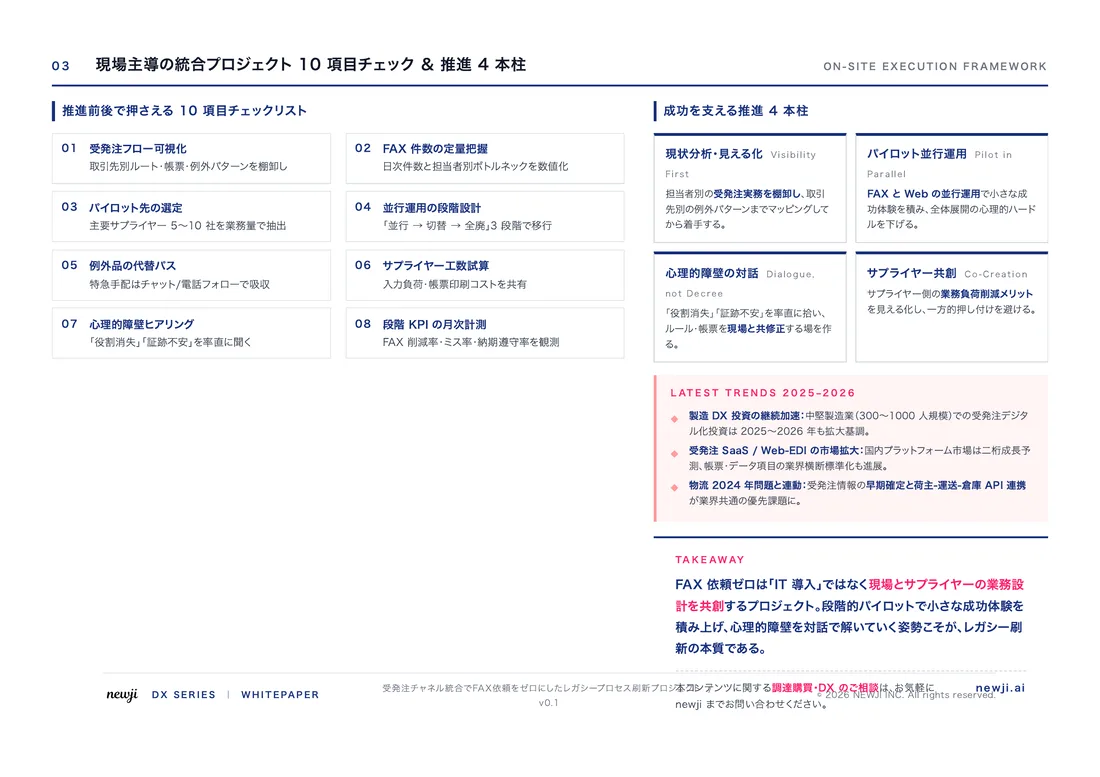
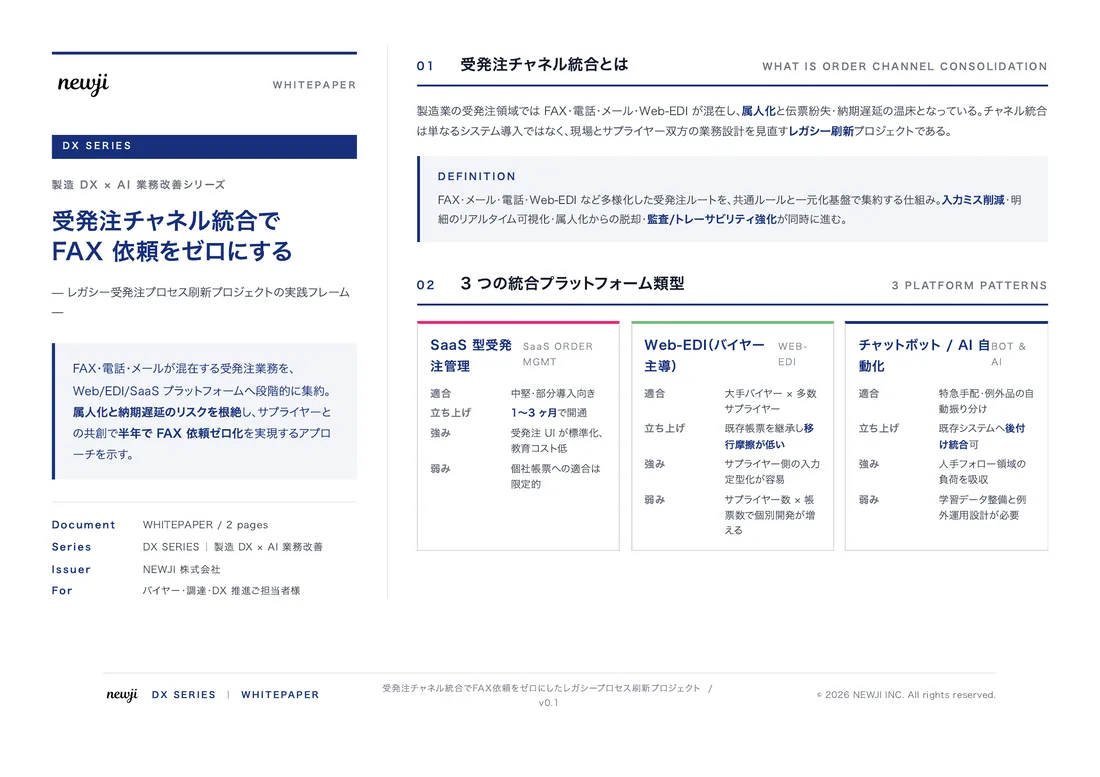
無料ホワイトペーパーをプレゼント
製造業の現場で使える実務資料(PDF)を無料でお届けします。"こんな資料が届きます" ↓ 下のボタンからどうぞ。
PRODUCT — 製造業向け 調達・受発注クラウド
この記事の課題、
newji で解決しませんか?
newji は、製造業の調達・受発注に特化したクラウド/AIエージェント。見積依頼・発注書作成・進捗管理・承認をひとつの画面に集約し、AIが比較と異常検知を担当。最後の「GO」だけ人が押す仕組みです。
- 見積〜発注〜納期を一元管理。催促・転記のムダをゼロに
- AIが相見積もり比較と異常検知。あなたは判断だけに集中
- 取引先は「招待」で完全無料。自社コストだけで取引先ごとデジタル化
※ 取引先から招待された企業様は完全無料でご利用いただけます



 調達購買アウトソーシング
 OEM/ODM 生産委託
 NEWJI DX
 受発注AIエージェント