

- お役立ち記事
- Camera-equipped drone OEM introduces automatic hovering control guide to attract aerial photography beginners

Camera-equipped drone OEM introduces automatic hovering control guide to attract aerial photography beginners

In recent years, drones have become an exciting tool for photographers and video enthusiasts.
Equipped with cameras, these aerial devices offer unique perspectives and creative potential that were once difficult to achieve.
However, mastering drone controls can be challenging for beginners, especially when it comes to hovering accurately.
That’s why many camera-equipped drone manufacturers are now focusing on integrating automatic hovering features.
These features aim to simplify and enhance the aerial photography experience.
目次
Understanding Automatic Hovering Control
The concept of automatic hovering control revolves around maintaining a drone’s position in the air without the need for constant manual adjustments.
This technology leverages sensors and intelligent algorithms to stabilize the drone and keep it suspended at a set altitude and position.
For aerial photography beginners, this feature ensures that they can concentrate on capturing the perfect shot without worrying about managing the drone’s flight stability.
How Automatic Hovering Works
The core component of automatic hovering control is the combination of sensors such as accelerometers, gyroscopes, and GPS.
These sensors work together to detect the drone’s current altitude, speed, and orientation.
The onboard computer processes this data and adjusts the drone’s motors to maintain equilibrium.
When the drone drifts due to wind or other influences, the system automatically makes corrections, helping it hover steadily.
Benefits for Aerial Photography Beginners
Ease of Use
One of the most significant advantages of automatic hovering for beginners is ease of use.
Beginners often face challenges controlling drones, particularly in maintaining a steady position for high-quality photo capturing.
With automatic hovering, users can focus on controlling the camera settings and framing the image, allowing them to invest their efforts in being creative rather than worrying about the technicalities of flight control.
Improved Photo and Video Quality
Stability is crucial in aerial photography and videography.
Even minor movements can lead to blurry images or shaky videos.
Automatic hovering ensures that the drone remains stable, drastically reducing motion blur and producing sharper images.
This feature is particularly beneficial when shooting in low-light conditions where camera exposure times are longer.
Enhanced Safety
A critical aspect of flying drones is ensuring safety for both the device and its surroundings.
For beginners, misjudgments in control can lead to accidents or collisions.
By enabling stable hovering, drones minimize the risk of such incidents, making the flying experience safer for users and those nearby.
Choosing the Right Drone for Beginners
Features to Look For
When selecting a drone with automatic hovering capabilities, beginners should prioritize models that are user-friendly and come with additional supportive features.
Look for drones that have intuitive controls, a long-lasting battery, and robust build quality.
Beginner-friendly drones should also offer tutorials or an easy-to-understand user manual to guide new users through initial setup and operation.
Compatibility with mobile apps can also enhance the user experience, allowing beginners to control the drone and preview the camera feed from a smartphone or tablet.
Some drones also offer features like obstacle detection and return-to-home functions, further increasing the ease and safety of operation.
Considerations for Budget
The price range for drones can vary significantly based on their features and specifications.
While it might be tempting to go for the most advanced model, beginners should consider their budget and actual needs first.
Mid-range drones often provide a good balance of performance, features, and cost-effectiveness for those just starting.
These models usually offer quality build and camera performance along with essential flight controls, including automatic hovering.
Getting Started with Aerial Photography
Practice, Practice, Practice
Despite the convenience of automatic hovering, it is crucial for beginners to practice and gain familiarity with basic drone controls.
Understanding how to handle takeoffs, landings, and manual flight is essential before relying solely on automation.
Set aside time for practice in open areas away from people, buildings, and obstacles; this helps build confidence in controlling the drone manually when needed.
Exploring Creative Possibilities
Once beginners have a firm grasp of the basics, it’s time to explore creative aerial photography opportunities.
Experiment with different camera angles and settings, learn about composition and lighting, and try shooting in diverse environments to capture varied perspectives.
Many drones now offer panoramic or 360-degree options to create stunning visual outcomes.
The Future of Drone Photography
The advancement of automatic hovering control is just one aspect of the evolving drone technology landscape.
Future drones are expected to integrate even more sophisticated features, such as enhanced artificial intelligence, which can customize flight patterns based on subject recognition and environment mapping.
These developments promise to make drone photography more accessible and exciting for enthusiasts at all levels.
In conclusion, automatic hovering control presents a wonderful starting point for those new to aerial photography.
By understanding how this technology works and selecting the right equipment, beginners can significantly simplify the learning curve and focus on creativity.
It’s an exciting era for aspiring photographers, as drones with such user-friendly features open up a new world of captivating images from the skies above.
この記事の理解を深める
無料ホワイトペーパーをプレゼント
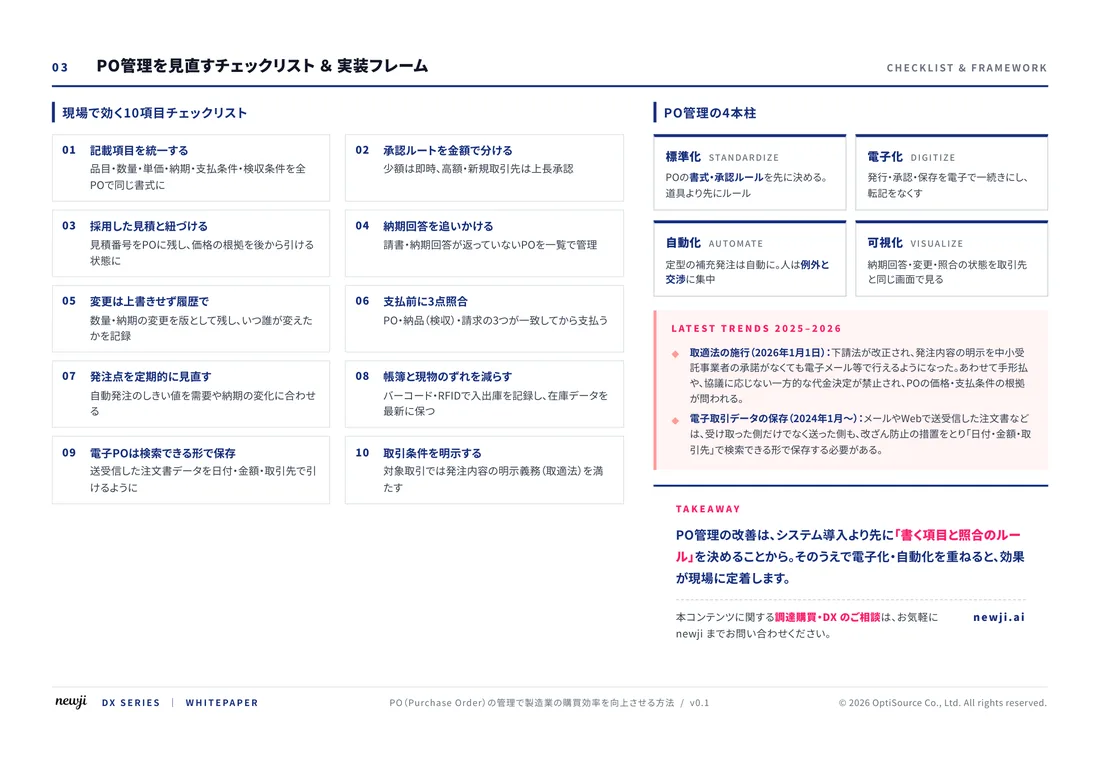
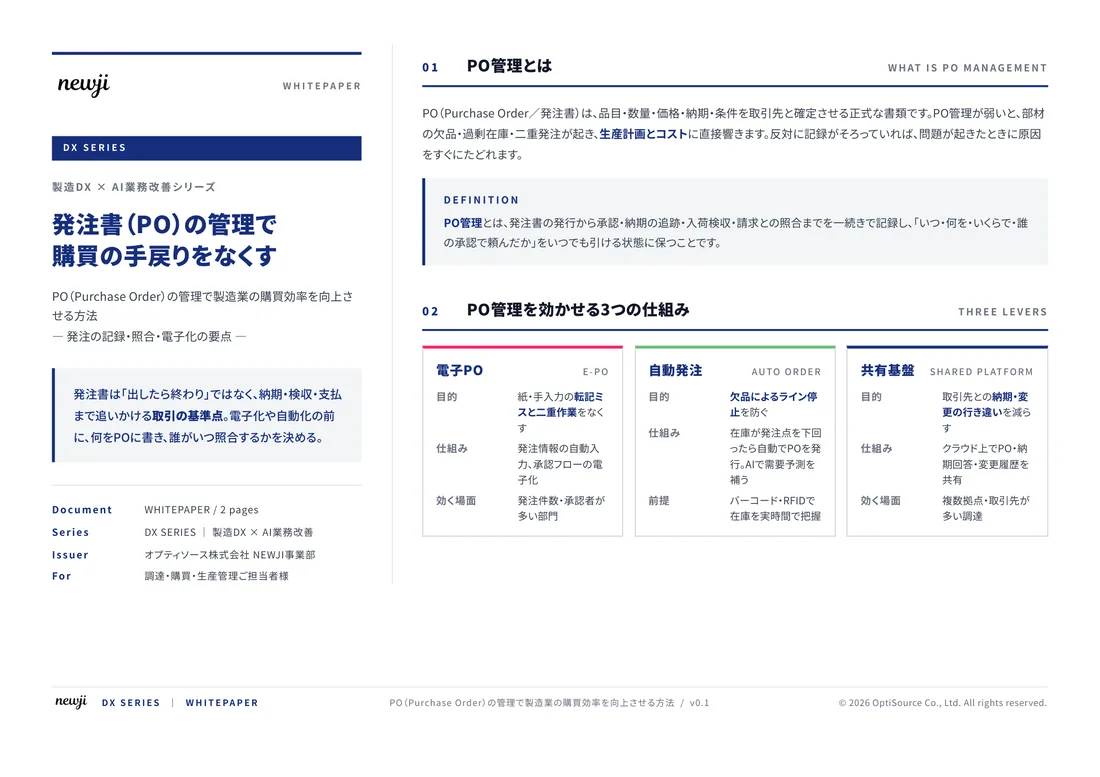
製造業の現場で使える実務資料(PDF)を無料でお届けします。"こんな資料が届きます" ↓ 下のボタンからどうぞ。
OEM/ODM — 自社ブランドの製品づくりの相談(無料)
この記事のような製品を、
自社ブランドで作りたいときは
仕様の整理から、製造先探し、試作、量産まで。製造は協力会社が行い、newji が窓口になって進めます。
- 雑貨・日用品・ペット用品・衣料・電気製品・化粧品・食品などの製品
- 許可・届出が要る製品は、依頼主の会社で取得いただく形で進めます
- 相談は無料。内容を確認のうえ担当者からご連絡



 NEWJI総研
 OEM/ODM 生産委託
 AI/DX支援
 見積・発注クラウド Newji one
受発注が増えるほど、入力・確認・催促が重くなる。
受発注管理を“仕組み化“して、ミスと工数を削減しませんか。
見積・発注・納期まで一元管理できます。