

- お役立ち記事
- A guide to using Excel to calculate cam curves and perfect cam mechanism design

A guide to using Excel to calculate cam curves and perfect cam mechanism design

目次
Understanding Cam Curves and Mechanisms
Cams play a crucial role in mechanical engineering, serving as a device for converting rotational motion into linear motion or vice versa.
To design effective cam mechanisms, understanding and calculating cam curves is essential.
In today’s digital age, Excel is a vital tool that can simplify these calculations.
But first, let us delve into the significance of cam curves and how they affect the performance of mechanisms.
What is a Cam Curve?
A cam curve represents the mathematical function of the cam profile used in mechanical systems.
It defines the relationship between angular displacement (rotation) and linear displacement (follow motion).
Cam curves are vital for achieving the desired motion and speed in machines.
The design of a cam profile is integral to its performance.
If done accurately, it ensures smooth operation, minimal wear, noise reduction, and optimal energy efficiency.
Understanding different curve types like the sinusoidal, polynomial, and cycloidal curves helps choose the right design for a specific application.
The Role of Excel in Designing Cam Mechanisms
Using Excel for designing cam mechanisms offers numerous benefits.
Being a widely available software, it provides a versatile platform for performing complex calculations with built-in functions and tools for data visualization.
Here’s how Excel aids in cam mechanism design:
Create and Analyze Functions
Excel’s powerful mathematical function capabilities make it easier to input complex equations related to cam profiles.
By using functions and formulas, you can calculate the displacement, velocity, and acceleration of cam mechanisms.
For example, you can use basic formulas to calculate angular displacement versus time or even more complex equations to solve polynomial or trigonometric functions.
The ability to tweak these calculations allows for efficient testing of various cam profiles.
Graphical Representations
Visual representation is often key to understanding data comprehensively.
Excel allows you to create graphs and charts that visualize cam curves and their effects on mechanisms.
By plotting graphs, you can monitor changes in displacement, velocity, and acceleration over time.
This helps identify any anomalies in motion and aids in fine-tuning the cam design until optimal performance is achieved.
Simulating Mechanism Dynamics
Excel can simulate the dynamic behavior of cam mechanisms by using time-based calculations.
Employing the “What-If” analysis tool helps in understanding the impact of changing variables on cam performance.
By adjusting variables such as rotation speed and cam profile dimensions, you can predict how changes will affect the system as a whole.
Simulations like these are invaluable for ensuring the final design meets all required specifications before proceeding to the physical prototype phase.
Cost-Effectiveness and Access
Compared to specialized software, Excel is highly accessible and cost-effective.
Its wide adoption means that most designers and engineers are already familiar with its functionalities, reducing the learning curve and allowing designers to focus on creativity and innovation.
Steps to Calculate Cam Curves Using Excel
Now, let’s outline a step-by-step process on how you can set up Excel to begin calculating and assessing cam curves:
Step 1: Identify Cam Requirements
Before starting calculations, determine the requirements of your mechanical system.
Identify the motion needed, the type of cam follower, the speed of operation, and any constraints such as space or weight limits.
Step 2: Set Up Your Excel Sheet
Create a new worksheet in Excel.
Label columns for input parameters such as angular position, time increments, and output parameters like displacement, velocity, and acceleration.
Step 3: Input Mathematical Equations
Based on the chosen cam curve type, input the corresponding mathematical function into your spreadsheet.
This function should calculate displacement values at specific intervals of angular rotation.
For example, if using a sinusoidal curve, input sinusoidal motion equations for displacement.
Step 4: Calculate Derivatives
Derive appropriate velocity and acceleration formulas from the displacement equation.
This is crucial for understanding the motion dynamics of the cam.
Step 5: Plot the Graphs
Use Excel’s chart capabilities to plot the displacement, velocity, and acceleration data.
Analyze the graphs for any irregularities or insights about the cam mechanism performance.
Step 6: Optimize Design
Iterate the calculations and adjust parameters for optimal performance.
Ensure the cam profile adheres to mechanical and operational requirements while giving the desired motion.
Conclusion
Designing perfect cam mechanisms involves intricate calculations that define cam curves and their impact on the system.
Excel provides a robust platform for designing, calculating, and optimizing these mechanisms.
Taking a methodical approach to using Excel for cam curves calculation not only accelerates the design process but also enriches the accuracy and efficiency of your mechanical systems.
With practice, Excel can become an indispensable part of your toolbox for innovative cam mechanism design.
この記事の理解を深める
無料ホワイトペーパーをプレゼント
製造業の現場で使える実務資料(PDF)を無料でお届けします。"こんな資料が届きます" ↓ 下のボタンからどうぞ。
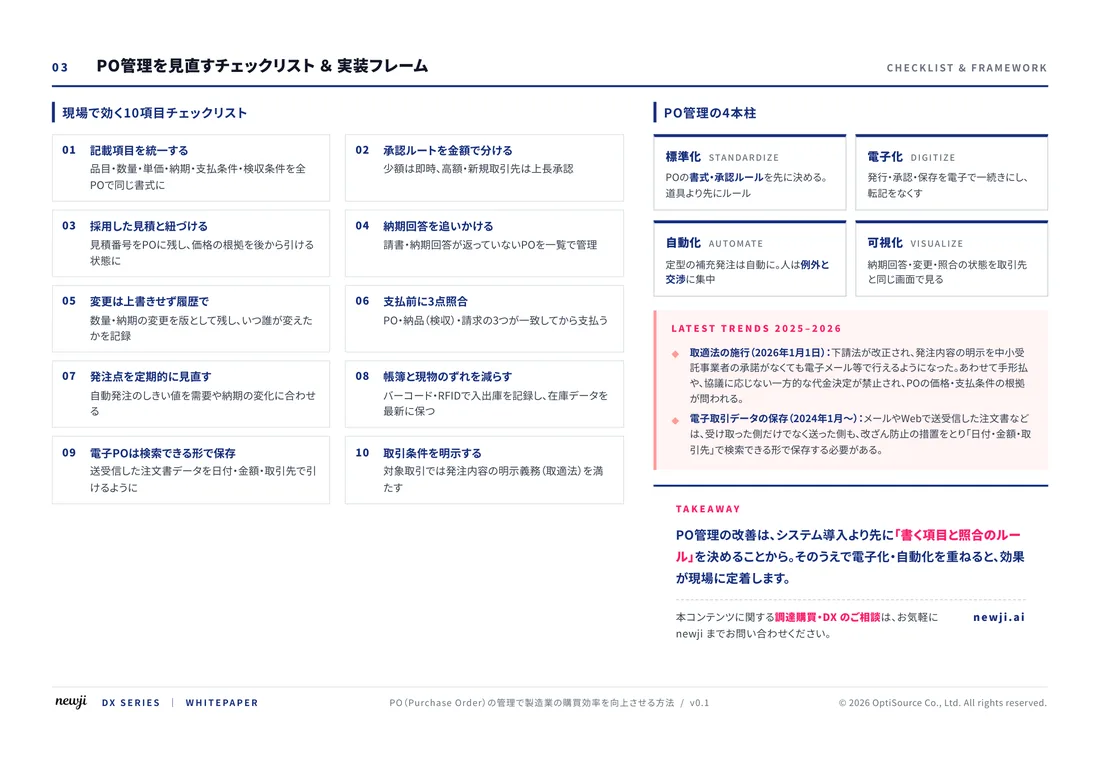
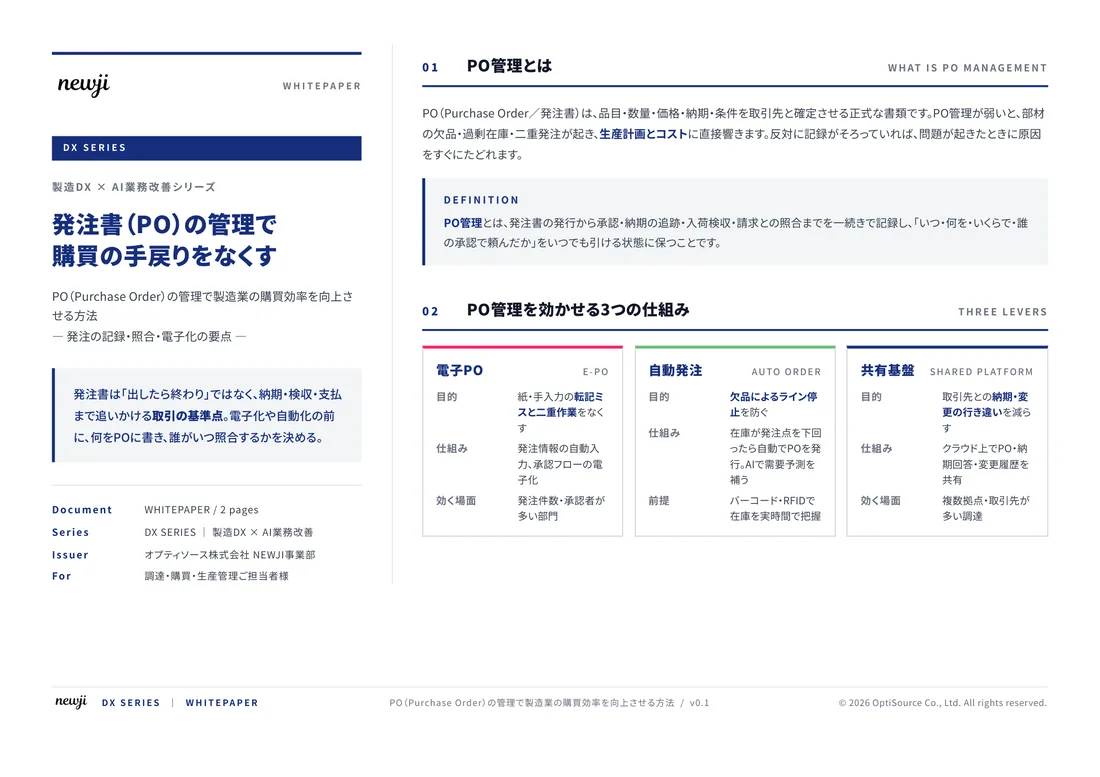
FREE DOCUMENT — サービス資料(PDF・無料)
製造業の見積・受発注クラウド
「Newji one」とは
Newji one は、製造業の調達・受発注に特化したクラウド/AIエージェント。見積依頼・発注書作成・進捗管理・承認をひとつの画面に集約し、AIが比較と異常検知を担当。最後の「GO」だけ人が押す仕組みです。
▶ 製造業の見積・受発注クラウド「Newji one」を、資料で見る(PDF・無料)
- 見積〜発注〜納期を一元管理。催促・転記のムダをゼロに
- AIが相見積もり比較と異常検知。あなたは判断だけに集中
- 取引先は「招待」で完全無料。自社コストだけで取引先ごとデジタル化
※ 取引先から招待された企業様は完全無料でご利用いただけます





 NEWJI総研
 OEM/ODM 生産委託
 AI/DX支援
 見積・発注クラウド Newji one
受発注が増えるほど、入力・確認・催促が重くなる。
受発注管理を“仕組み化“して、ミスと工数を削減しませんか。
見積・発注・納期まで一元管理できます。