

- お役立ち記事
- Differences Between Capacitive Touch and Resistive Touch

Differences Between Capacitive Touch and Resistive Touch

目次
Understanding Touchscreens
When you interact with your smartphone, tablet, or even certain ATMs, you’re using a touchscreen.
These devices detect touch through two primary technologies: capacitive and resistive touch.
Both have unique characteristics and applications, so understanding their differences is vital.
What Is a Capacitive Touchscreen?
Capacitive touchscreens are widely used in modern electronics.
They consist of a glass panel coated with a conductive layer.
When a finger touches the screen, it disrupts the screen’s electrical field, allowing the device’s processor to detect the location of the touch.
Key Features of Capacitive Touch
One significant advantage of capacitive screens is their high sensitivity, allowing for multi-touch gestures like pinching and swiping.
The clarity and display quality are typically superior, as there are fewer layers between the user and the display.
Capacitive screens are highly durable and can withstand frequent use without losing their sensitivity.
However, they require a conductive object for activation, usually meaning they only respond to touch from human fingers or special styluses.
Applications of Capacitive Touchscreens
You’ll find capacitive touchscreens in most modern smartphones, tablets, and laptop trackpads.
They’re an excellent choice for devices requiring quick, fluid, and intuitive user interactions.
Limitations of Capacitive Touch
One downside is their limited performance in extreme weather conditions.
For instance, capacitive screens may not function optimally with gloved hands.
Furthermore, construction is generally more expensive than resistive screens, which can impact the overall cost of devices.
What Is a Resistive Touchscreen?
Resistive touchscreens rely on pressure to function.
They are composed of several layers, including two electrically conductive layers separated by a small gap.
When you apply pressure, these layers make contact, registering the touch event.
Key Features of Resistive Touch
Resistive touch can be activated with various objects, not just fingers.
You can use a stylus, a gloved hand, or even a plastic-tipped pen.
This versatility makes them useful in environments where gloves are necessary, such as in industrial settings or medical applications.
Resistive screens are generally cost-effective, making them a preferred choice for certain applications where budget is a concern.
Applications of Resistive Touchscreens
Because they accept input from multiple types of implements, resistive touchscreens are common in ATMs, kiosks, and some GPS devices.
They are also prevalent in medical equipment, where precision and glove compatibility are crucial.
Limitations of Resistive Touch
A resistive touchscreen may not offer as quick or responsive as capacitive screens.
They typically do not support multi-touch gestures, which limits some advanced functionalities.
Moreover, resistive touchscreens often offer lower display quality.
The multiple layers can slightly diminish the clarity and vibrancy of the on-screen image.
Durability is another consideration, as resistive screens can show signs of wear and tear more quickly due to the mechanical nature of the touch input.
Comparing Capacitive and Resistive Touch
When deciding between capacitive and resistive touch technologies, consider your specific needs.
If high sensitivity, multitouch capabilities, and display clarity are essential, capacitive is likely the better choice.
This technology is ideal for consumer electronics where aesthetic appeal and user-friendliness are paramount.
On the other hand, if you need a touchscreen that can accommodate various input methods and is cost-effective, resistive may be more suitable.
Resistive screens shine in scenarios requiring precision over speed and where interaction with gloved hands is a necessity.
Versatility vs. Performance
Capacitive touchscreens provide enhanced performance and user experience, making them the go-to option for most personal electronic devices.
In contrast, resistive touchscreens offer versatility, with less emphasis on performance and more on practical applications.
Conclusion
Deciding between capacitive and resistive touch technologies involves weighing your priorities between responsiveness, cost, input flexibility, and environmental considerations.
Each type has its strengths and weaknesses, making them suitable for different situations.
Understanding these differences allows you to choose the appropriate technology for your needs, whether it’s the sleek responsiveness of capacitive touch or the rugged flexibility of resistive touch.
By understanding these differences, you can make a more informed decision regarding touchscreen technology that best meets your needs.
この記事の理解を深める
無料ホワイトペーパーをプレゼント
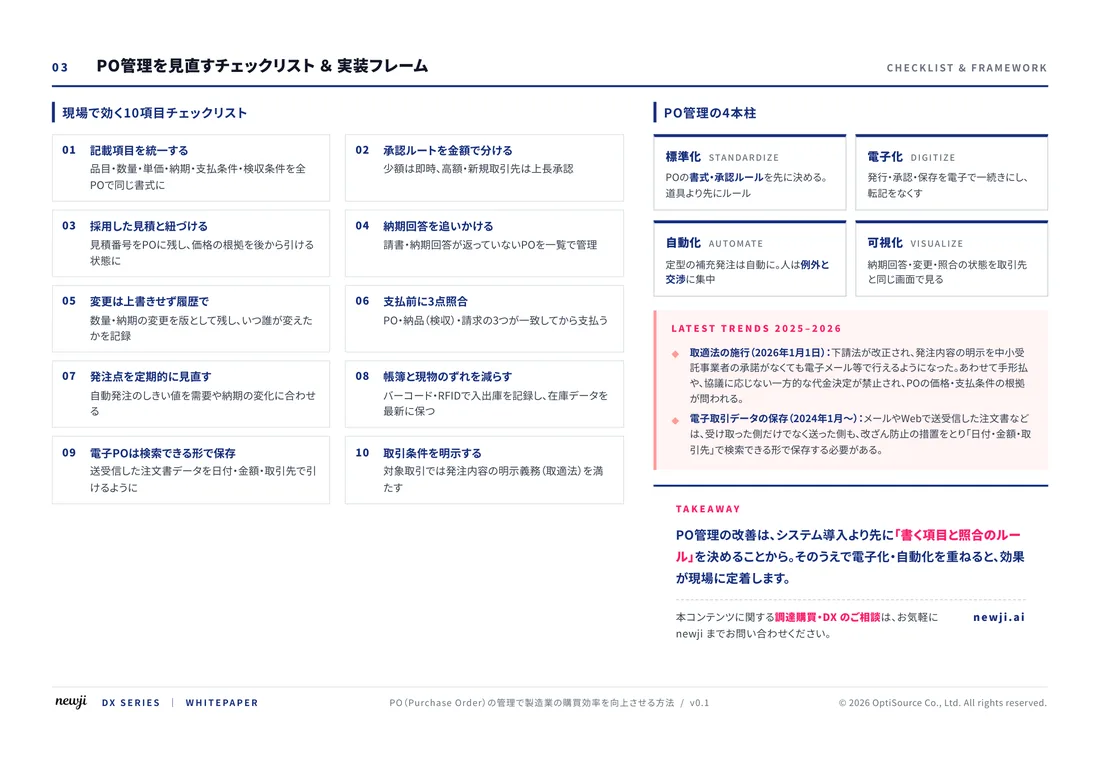
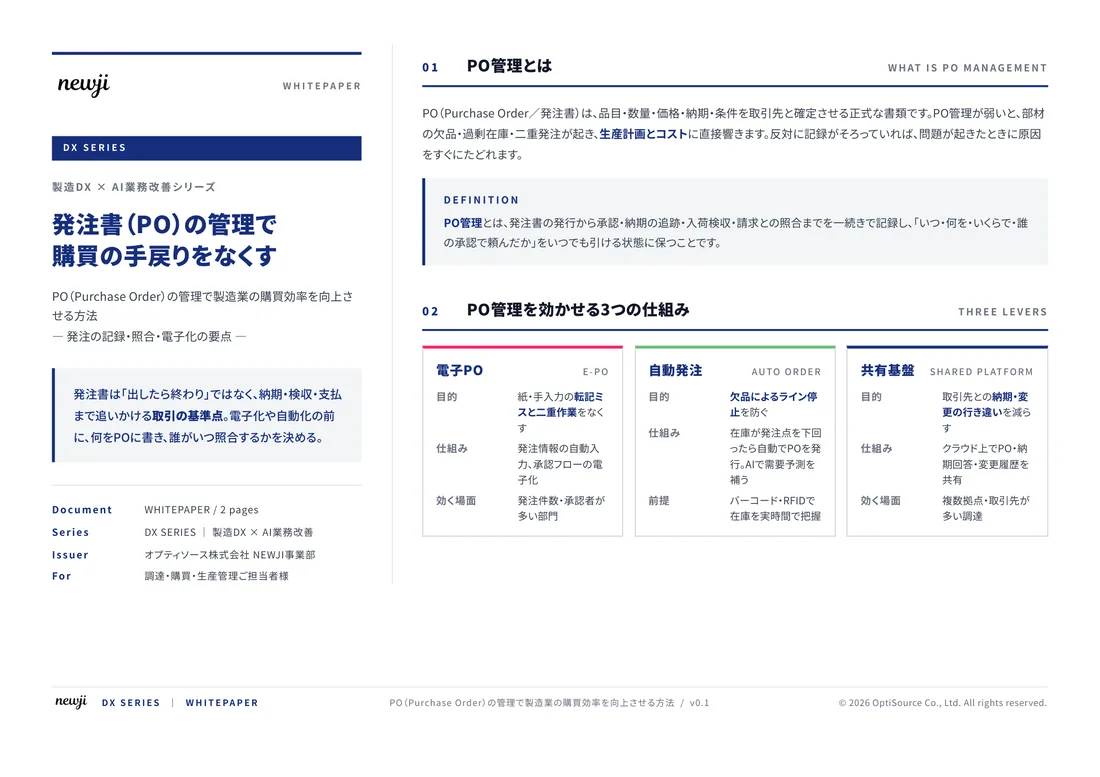
製造業の現場で使える実務資料(PDF)を無料でお届けします。"こんな資料が届きます" ↓ 下のボタンからどうぞ。
FREE DOCUMENT — サービス資料(PDF・無料)
製造業の見積・受発注クラウド
「Newji one」とは
Newji one は、製造業の調達・受発注に特化したクラウド/AIエージェント。見積依頼・発注書作成・進捗管理・承認をひとつの画面に集約し、AIが比較と異常検知を担当。最後の「GO」だけ人が押す仕組みです。
▶ 製造業の見積・受発注クラウド「Newji one」を、資料で見る(PDF・無料)
- 見積〜発注〜納期を一元管理。催促・転記のムダをゼロに
- AIが相見積もり比較と異常検知。あなたは判断だけに集中
- 取引先は「招待」で完全無料。自社コストだけで取引先ごとデジタル化
※ 取引先から招待された企業様は完全無料でご利用いただけます
関連記事
-

GAN(敵対的生成ネットワーク)の基礎と実装およびシステム開発への応用
-
タッチスクリーンOEM製造で高性能なディスプレイを提供する方法
-
PythonとTensorFlow2.0による画像分類、回帰分析、時系列処理と実践プログラミング
-
Pythonで学ぶ画像処理と機械学習モデル化の実践講座
-
Pythonによるディープラーニングの基礎と実装ポイント ~デモ付~
-

Transforming Modern Electronics: Unleashing the Potential of Silicon-on-Insulator (SOI) Technology for Enhanced Industry Recognition and Market Expansion
 NEWJI総研
 OEM/ODM 生産委託
 AI/DX支援
 見積・発注クラウド Newji one
受発注が増えるほど、入力・確認・催促が重くなる。
受発注管理を“仕組み化“して、ミスと工数を削減しませんか。
見積・発注・納期まで一元管理できます。