

- お役立ち記事
- For new employees in the software development department! Fundamentals of UI/UX design and strategies for improving usability

For new employees in the software development department! Fundamentals of UI/UX design and strategies for improving usability

目次
Understanding UI/UX Design
When starting a career in software development, particularly in the realm of UI/UX design, it’s vital to understand the fundamentals.
UI stands for User Interface, which is the point of interaction between the user and a digital product.
It’s about the look and feel of the product, concentrating on aesthetics, colors, and typography.
UX, or User Experience, focuses on the user journey, ensuring products are usable, enjoyable, and accessible.
Both UI and UX are crucial in crafting software that meets users’ needs while providing a seamless experience.
The Role of UI/UX in Software Development
UI/UX design is more than just making products look good.
It’s about how they work.
The goal is to create intuitive interfaces that guide users through their tasks effortlessly.
As software developers, understanding these aspects will enable you to create solutions that not only function well but are delightful to use.
This is important in a competitive market where user satisfaction can make or break a product.
Key Principles of UI/UX Design
User-Centric Approach
A successful design begins with understanding the user.
This involves research to gather insights into user behaviors, needs, and pain points.
Designs should be tailored to meet these needs, ensuring that the final product aligns with user expectations.
Simplicity and Clarity
Keeping the design simple and clear is essential.
Cluttered interfaces can overwhelm users, reducing their ability to navigate through the application seamlessly.
Focus on essential elements and eliminate any distractions to improve usability.
Consistency
Consistency in design ensures that users don’t have to relearn how each part of the application works.
Consistent use of colors, fonts, and navigation elements makes the interface predictable and trustworthy, enhancing the user experience.
Feedback Mechanism
Providing users with feedback lets them know if their actions were successful, whether through animations, sounds, or visual cues.
This helps in reducing user errors and providing a more engaging experience.
Improving Usability in Software Development
Conducting Usability Testing
Testing the product with real users is an effective strategy to identify usability issues.
This involves observing how users interact with the product and where they face challenges.
Regular testing during the development cycle allows for iterative improvements.
Implementing Responsive Design
Users access applications from a variety of devices.
Hence, it’s crucial to ensure that your application looks and works well on all devices.
Responsive design allows your product to adapt to different screen sizes and orientations, providing a consistent experience across platforms.
Prioritizing Accessibility
Accessibility is a critical aspect of design, making sure that your application can be used by everyone, including people with disabilities.
This involves using accessible design practices, such as providing text alternatives for non-text content and ensuring that your application can be navigated using a keyboard.
Leveraging User Feedback
User feedback is a valuable resource for improving usability.
After launch, continue to collect and analyze feedback to understand how users are interacting with your software.
Use this data to make informed decisions on future updates and enhancements.
Strategies for Effective UI/UX Design
Adopt Agile Methodologies
Working with agile methodologies can enhance UI/UX design by allowing for flexibility and adaptability.
Agile promotes regular iteration and review, which leads to continuous improvement in the user experience.
Collaborate with Cross-Functional Teams
UI/UX design is not a one-person job; it involves collaboration with developers, product managers, and marketers.
Engaging with cross-functional teams ensures that different perspectives are considered, leading to a well-rounded product.
Keep Up With Design Trends
The world of UI/UX design is constantly evolving.
Finally, stay informed about the latest trends and technologies to ensure your skills and product offerings remain relevant in the industry.
Conclusion
For new employees in the software development department, mastering UI/UX design is vital.
By focusing on user-centric designs, simplifying interfaces, maintaining consistency, and leveraging feedback, you set the groundwork for creating successful products.
Remember to embrace agile practices, collaborate with team members, and stay informed about design trends.
These strategies not only enhance usability but also ensure a gratifying user experience, setting the stage for your success in the industry.
この記事の理解を深める
無料ホワイトペーパーをプレゼント
製造業の現場で使える実務資料(PDF)を無料でお届けします。"こんな資料が届きます" ↓ 下のボタンからどうぞ。
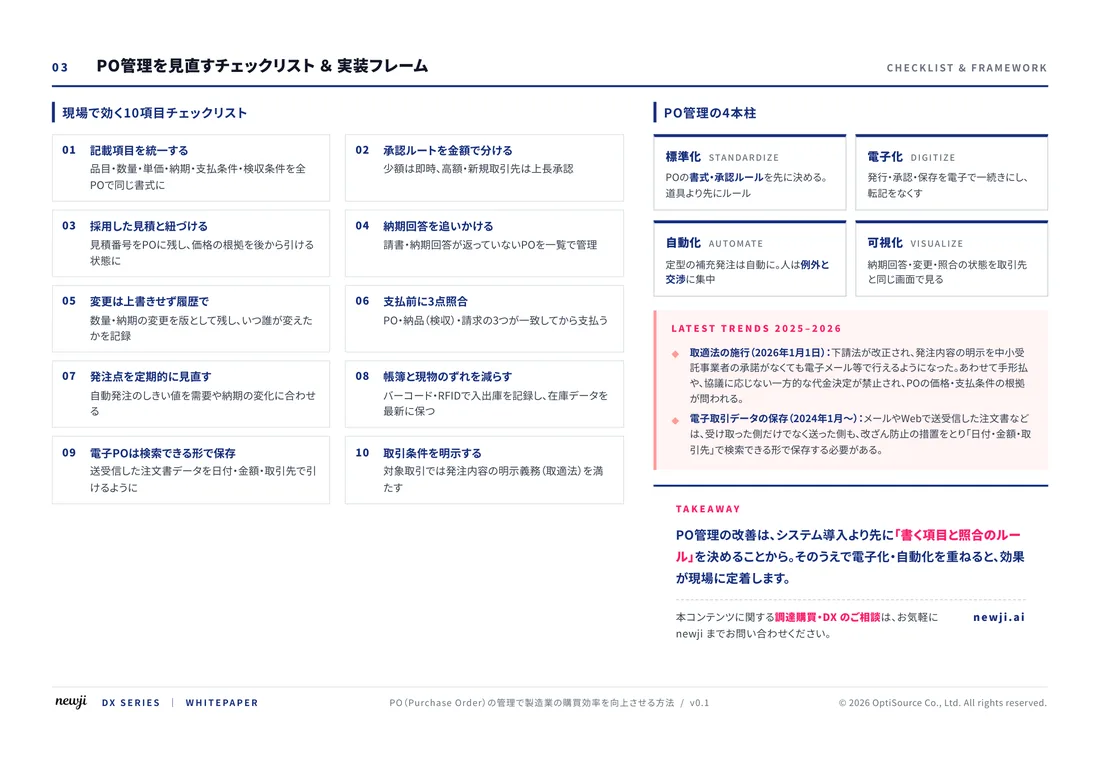
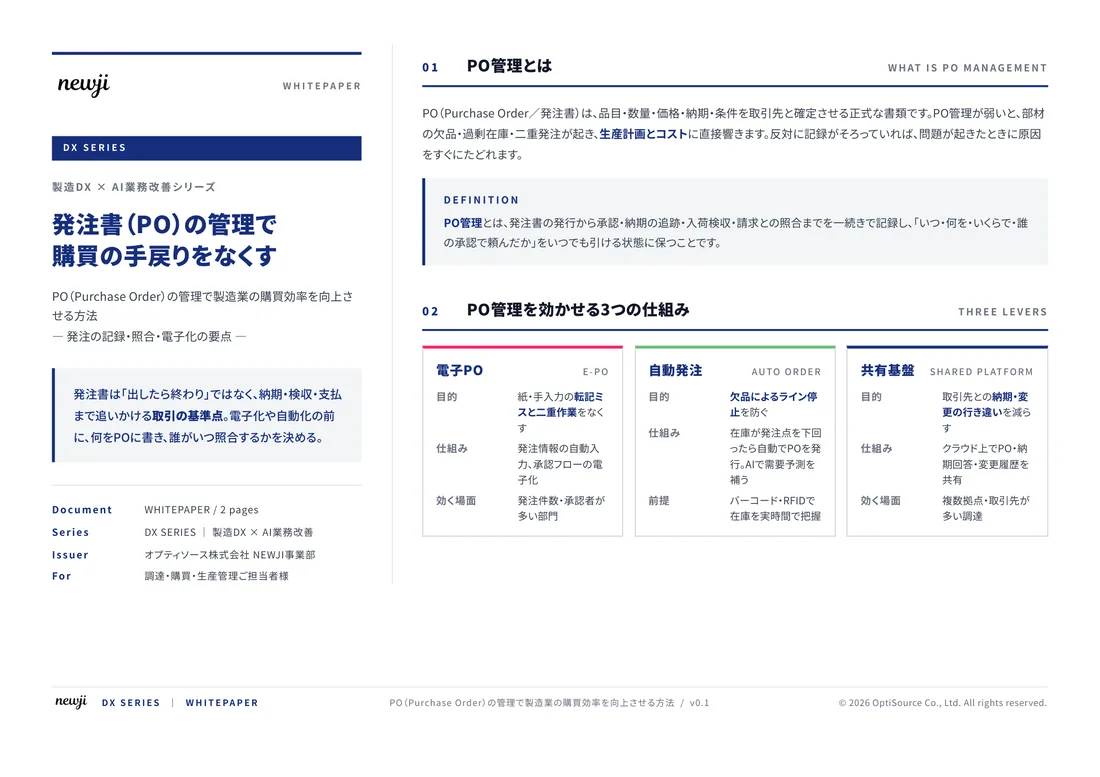
FREE DOCUMENT — サービス資料(PDF・無料)
製造業の見積・受発注クラウド
「Newji one」とは
Newji one は、製造業の調達・受発注に特化したクラウド/AIエージェント。見積依頼・発注書作成・進捗管理・承認をひとつの画面に集約し、AIが比較と異常検知を担当。最後の「GO」だけ人が押す仕組みです。
▶ 製造業の見積・受発注クラウド「Newji one」を、資料で見る(PDF・無料)
- 見積〜発注〜納期を一元管理。催促・転記のムダをゼロに
- AIが相見積もり比較と異常検知。あなたは判断だけに集中
- 取引先は「招待」で完全無料。自社コストだけで取引先ごとデジタル化
※ 取引先から招待された企業様は完全無料でご利用いただけます
関連記事
-

Reducing Lead Times How to Make Manufacturing Processes More Efficient
-

Boost Manufacturing Sales: Elevate Your Selling Techniques with Strategic Sourcing Strategies
-

新時代の製造業が求めるラップとは何か—調達購買部門での活用方法とメリット
-

The Power of Digital Transformation to Change the Future of Manufacturing
-
The Fusion of Digital and Reality AR/VR in Manufacturing
-
AR/VR Technology and Manufacturing Experience the Factory of the Future
 NEWJI総研
 OEM/ODM 生産委託
 AI/DX支援
 見積・発注クラウド Newji one
受発注が増えるほど、入力・確認・催促が重くなる。
受発注管理を“仕組み化“して、ミスと工数を削減しませんか。
見積・発注・納期まで一元管理できます。