

- お役立ち記事
- Easy-to-understand and easy-to-use GUI design and its key points

Easy-to-understand and easy-to-use GUI design and its key points

目次
What is GUI Design?
Graphical User Interface, or GUI, is a type of user interface that allows users to interact with electronic devices using graphical icons and visual indicators rather than text-based interfaces, typed command labels, or text navigation.
Essentially, a GUI is what you see on your computer screen, mobile display, or any other electronic device interface.
It includes elements like buttons, icons, windows, and menus.
These elements make it easy for users to interact intuitively with a device, eliminating the need to understand complex command languages.
The Importance of Intuitive GUI Design
An intuitive GUI design is crucial because it determines how easily your users can navigate your software.
When a GUI is easy to understand and use, it enhances user experience, minimizes confusion, and leads to higher user satisfaction.
Consider how simple it is to use a smartphone.
The icons and buttons are designed logically so that even someone without technical expertise can use them effectively.
This ease of use comes from crafting a GUI that is clear and easily navigable.
Challenges in Designing GUI
Designing a GUI comes with its own set of challenges.
One major challenge is ensuring the interface is user-friendly while also being functionally comprehensive.
Designers must balance aesthetics with functionality, ensuring that the design does not sacrifice practical usability for beauty.
Another challenge is maintaining consistency.
Each element of the GUI should follow a coherent aesthetic and functional theme, so users do not have to readjust their understanding when navigating between different pages or applications.
Staying updated with the latest technology and design trends can also be challenging, as technology is continuously evolving.
Principles of Effective GUI Design
To create a successful and easy-to-use GUI, designers often adhere to several key principles:
Simplicity
Simplicity is vital.
A clean, uncluttered interface helps users focus on essential tasks.
Remove unnecessary elements and make sure the design is smooth and direct with a clear path for users to follow.
Consistency
Consistency in design refers to maintaining uniformity in layout, fonts, colors, and icons.
It ensures that users have a familiar experience irrespective of where they are in the application.
For instance, a “save” icon should look and function the same across all screens.
Feedback
Providing feedback is crucial for a responsive design.
When users perform actions, such as clicking a button, they need confirmation that the action was successful.
This could be in the form of a sound, a light flash, or a text notification.
Visibility
Key functions should be easily visible.
Users should not have to hunt for options.
Essential features should be right where users expect them to be.
Error Prevention and Recovery
Design your GUI to help reduce the chances of user error.
This might include confirmation prompts before executing important actions.
Moreover, providing simple error messages and solutions helps users recover from mistakes swiftly.
Steps to Designing User-Friendly GUIs
Creating an effective GUI involves several planning and execution stages.
Understand the User
Before sketching a design, understand your target users.
What are their needs?
What challenges do they face?
This understanding will guide the design process, ensuring you create a user-centric experience.
Create a Wireframe
A wireframe serves as a blueprint for your design.
It helps visualize the basic layout of the interface elements.
You can identify potential issues before they become costly to fix in later stages.
Design Prototyping
Once your wireframe is thorough, proceed to prototyping.
Use this stage to experiment with design elements like colors, typography, and spacing.
Prototypes often have interactive components, giving a semblance of how the final product will function.
User Testing and Feedback
User testing is crucial.
Let real users interact with your prototype.
This will reveal any confusing parts of your design, giving you the opportunity to refine it before final production.
Collecting feedback is crucial for enhancing usability and tailoring the UI to user needs.
Iterate and Improve
Use the feedback to make iterative improvements to the design.
Design is a never-ending process, so constantly seeking feedback and evolving with it leads to consistent betterment.
Tools for GUI Design
There are several tools available to facilitate the GUI design process.
Popular tools like Sketch, Adobe XD, and Figma offer incredible functionalities for creating and refining designs.
These tools allow for collaboration between team members and stakeholders, making the design process smoother and more efficient.
Conclusion
Designing an easy-to-understand and easy-to-use GUI is an art and science combined.
It requires understanding users, adhering to design principles, and consistently refining your approach through feedback.
When executed correctly, it leads to interfaces that are not only functional but also enjoyable to use.
This ensures users are not only satisfied but also loyal to your software products.
この記事の理解を深める
無料ホワイトペーパーをプレゼント
製造業の現場で使える実務資料(PDF)を無料でお届けします。"こんな資料が届きます" ↓ 下のボタンからどうぞ。
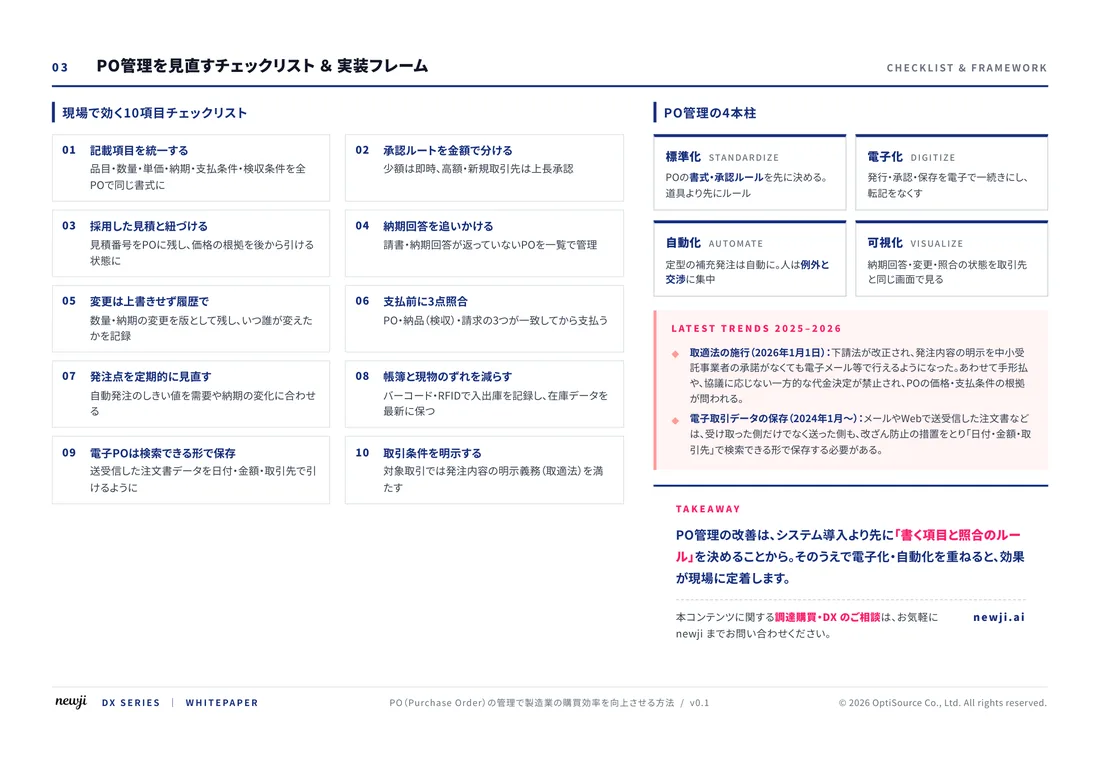
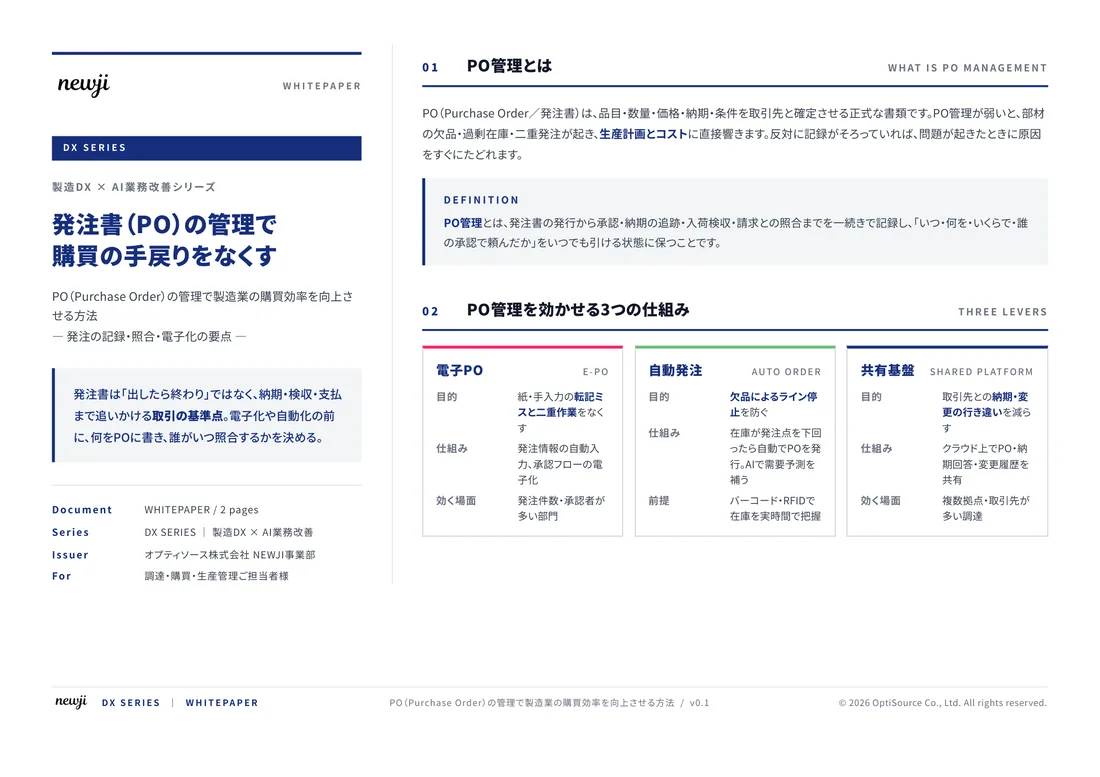
FREE DOCUMENT — サービス資料(PDF・無料)
製造業の見積・受発注クラウド
「Newji one」とは
Newji one は、製造業の調達・受発注に特化したクラウド/AIエージェント。見積依頼・発注書作成・進捗管理・承認をひとつの画面に集約し、AIが比較と異常検知を担当。最後の「GO」だけ人が押す仕組みです。
▶ 製造業の見積・受発注クラウド「Newji one」を、資料で見る(PDF・無料)
- 見積〜発注〜納期を一元管理。催促・転記のムダをゼロに
- AIが相見積もり比較と異常検知。あなたは判断だけに集中
- 取引先は「招待」で完全無料。自社コストだけで取引先ごとデジタル化
※ 取引先から招待された企業様は完全無料でご利用いただけます
関連記事
-

Reducing Lead Times How to Make Manufacturing Processes More Efficient
-

Improving Customer Satisfaction The Importance of Customization and Flexibility in Manufacturing
-
Digital Workflow in Manufacturing! A Smart Approach to Transform Productivity
-
製造業におけるAIとロボティクスによる加工技術の変革
-
関市の切削技術イノベーション 地元企業が牽引する製造業の未来
-
購買ミスを避ける!製造業でのスマートな発注法講座
 NEWJI総研
 OEM/ODM 生産委託
 AI/DX支援
 見積・発注クラウド Newji one
受発注が増えるほど、入力・確認・催促が重くなる。
受発注管理を“仕組み化“して、ミスと工数を削減しませんか。
見積・発注・納期まで一元管理できます。