

- お役立ち記事
- Image analysis technology and pattern recognition using OpenCV and its applications

Image analysis technology and pattern recognition using OpenCV and its applications

目次
What is OpenCV?
OpenCV, which stands for Open Source Computer Vision Library, is a powerful tool that facilitates image processing and computer vision tasks.
Initially developed by Intel in 1999, OpenCV has become an open-source library widely used for real-time computer vision applications.
This library supports a variety of programming languages, including C++, Python, Java, and more, making it accessible to many developers across the globe.
OpenCV allows for fast processing and offers an extensive collection of algorithms that enable detailed image analysis, pattern recognition, and other machine learning activities.
Understanding Image Analysis Technology
Image analysis refers to a set of techniques used to extract meaningful information from digital images.
In recent years, it has gained traction across various fields such as healthcare, automotive, and security, among others.
This technology can automatically identify objects, measure distances, quantify shapes, and even detect changes over time in a sequence of images.
Advanced image analysis tools leverage algorithms for noise filtering, image enhancement, segmentation, and feature extraction.
These processes help in transforming raw image data into a format that can be readily analyzed and interpreted by machines.
Applications of Image Analysis
In healthcare, image analysis is pivotal for diagnosing and monitoring diseases through medical imaging modalities like X-rays, MRIs, and CT scans.
Radiologists rely on image analysis to differentiate between normal and abnormal tissues, thus improving diagnostic accuracy.
In the automotive sector, image analysis enhances safety and driving assistance through features like lane detection, collision avoidance, and pedestrian recognition.
These applications are vital components of autonomous vehicle systems.
Moreover, in the field of security, image analysis technology is used for facial recognition, surveillance, and anomaly detection.
These applications are critical for maintaining safety in public and private spaces.
Pattern Recognition with OpenCV
Pattern recognition is an integral part of image analysis that entails classifying data based on the learned patterns.
OpenCV provides a robust environment for implementing pattern recognition techniques, helping machines identify various shapes, objects, and configurations within images.
Supervised and unsupervised learning are the primary methods used for pattern recognition.
Supervised learning involves training a model on labeled data, whereas unsupervised learning seeks to find hidden patterns in unlabeled data.
Significance of Pattern Recognition
Pattern recognition plays a crucial role in many domains.
For instance, in handwriting recognition, machines identify and analyze handwritten text, converting it into digital data.
This application is useful in documentation and digitization processes.
In the financial sector, pattern recognition helps in fraud detection and market analysis by identifying irregular patterns in transaction data.
This assists financial institutions in preventing fraudulent activities and optimizing investment strategies.
In robotics, pattern recognition enhances machine vision systems, allowing robots to interact effectively with their environment, recognize objects, and execute tasks with precision.
Implementing OpenCV for Image Analysis and Pattern Recognition
To start using OpenCV for image analysis and pattern recognition, you must first install the library in your programming environment.
For Python, OpenCV can be easily installed through the pip package manager using the command `pip install opencv-python`.
Once installed, you can perform a host of image processing tasks using OpenCV functions.
For example, you can read and display images using the `cv2.imread()` and `cv2.imshow()` functions, respectively.
Basic Example of OpenCV
Let’s consider a simple task where we use OpenCV to detect edges in an image. Edge detection is crucial in identifying object boundaries and is often the first step in image analysis processes.
“`python
import cv2
import numpy as np
# Load an image
image = cv2.imread(‘sample_image.jpg’, cv2.IMREAD_GRAYSCALE)
# Apply Canny edge detector
edges = cv2.Canny(image, 100, 200)
# Display the original and edge detected images
cv2.imshow(‘Original Image’, image)
cv2.imshow(‘Edge Detected Image’, edges)
cv2.waitKey(0)
cv2.destroyAllWindows()
“`
In this code snippet, we import the OpenCV library and read an image in grayscale.
Applying the Canny edge detector highlights the edges in the image, which are displayed using the `cv2.imshow()` function.
Advanced Applications with OpenCV
OpenCV also supports advanced applications like object detection using pre-trained models such as Haar cascades and deep learning frameworks like TensorFlow and PyTorch.
These integrations enable more complex pattern recognition tasks, including real-time object tracking and face detection.
For example, utilizing Haar cascades, you can build a face detection application.
This involves loading a pre-trained model and using it to detect faces in images or video frames.
“`python
# Load pre-trained data on face frontals from opencv (haar cascade algorithm)
face_classifier = cv2.CascadeClassifier(cv2.data.haarcascades + ‘haarcascade_frontalface_default.xml’)
# Load an image
image = cv2.imread(‘face_image.jpg’)
# Convert to grayscale
gray = cv2.cvtColor(image, cv2.COLOR_BGR2GRAY)
# Detect faces
faces = face_classifier.detectMultiScale(gray, 1.3, 5)
# Draw rectangle around the faces
for (x, y, w, h) in faces:
cv2.rectangle(image, (x, y), (x+w, y+h), (255, 0, 0), 2)
# Display the output
cv2.imshow(‘Face Detection’, image)
cv2.waitKey(0)
cv2.destroyAllWindows()
“`
In this example, several faces are detected within an image using a trained Haar cascade model.
Rectangles are drawn around the detected faces, and the result is displayed to the user.
Conclusion
OpenCV equips developers with essential tools to perform image analysis and pattern recognition, making it an indispensable asset in the technological landscape.
Its application in diverse sectors—such as healthcare, automotive, security, finance, and robotics—highlights its versatility and importance in advancing current technology.
With continuous updates and a strong community, OpenCV will remain a key player in computer vision and image processing innovations.
この記事の理解を深める
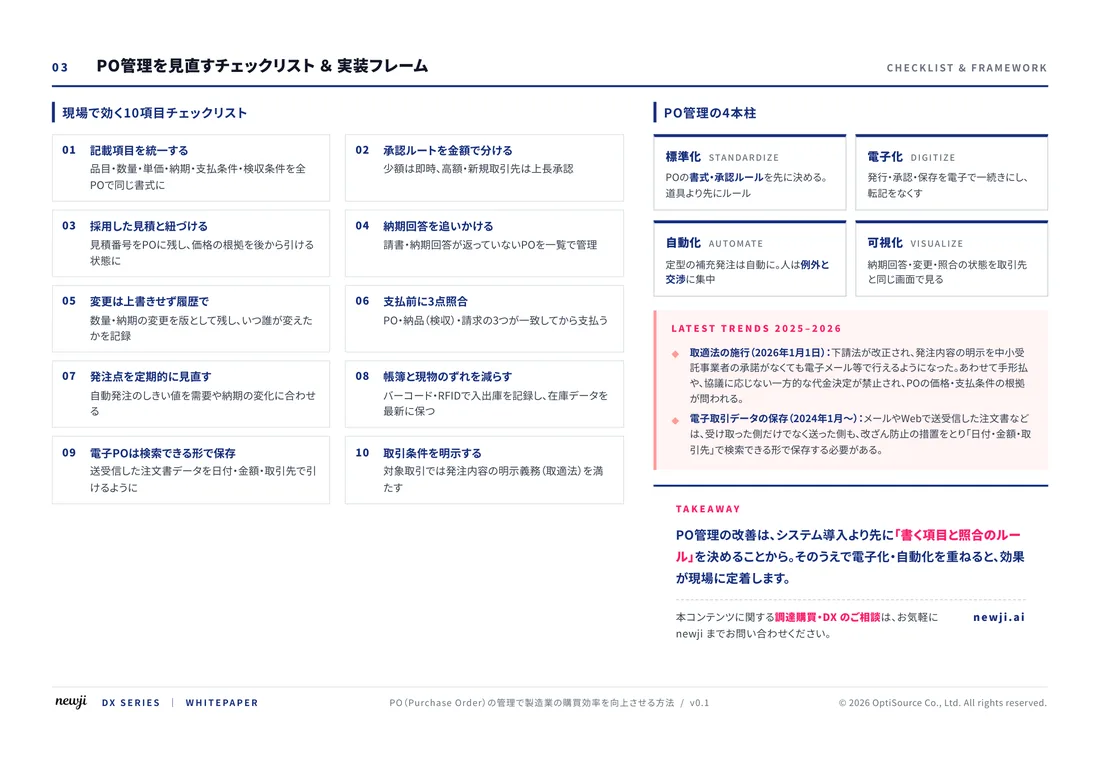
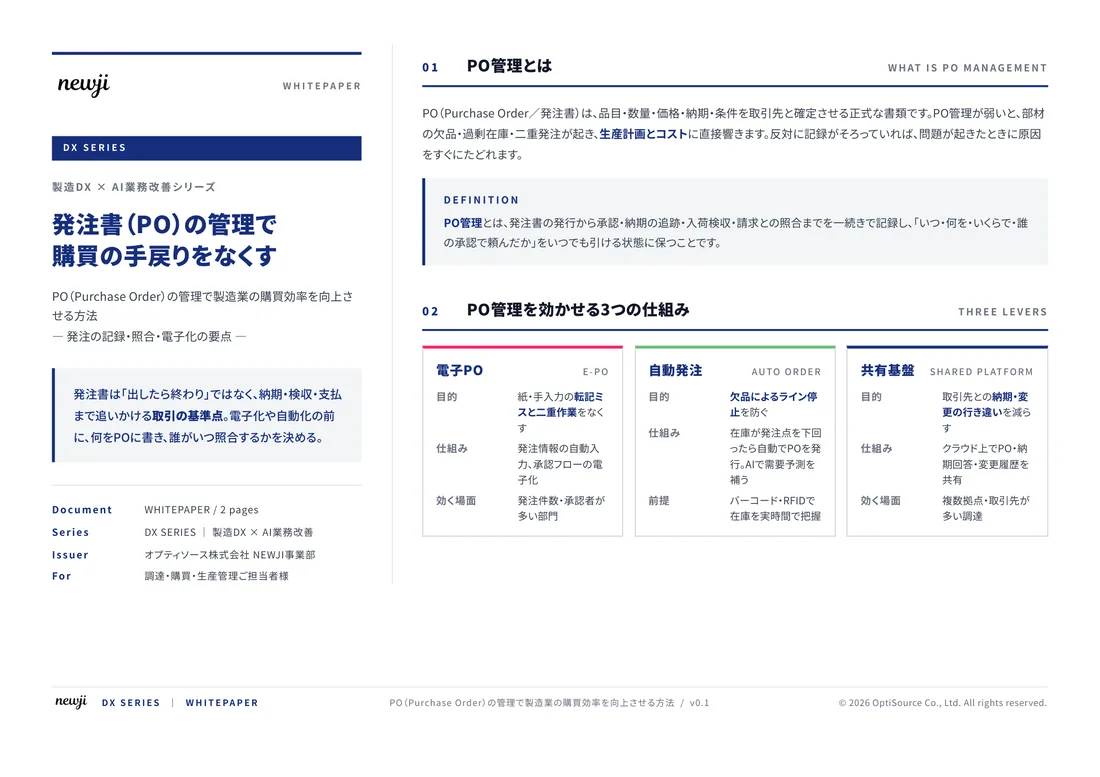
無料ホワイトペーパーをプレゼント
製造業の現場で使える実務資料(PDF)を無料でお届けします。"こんな資料が届きます" ↓ 下のボタンからどうぞ。
FREE DOCUMENT — サービス資料(PDF・無料)
製造業の見積・受発注クラウド
「Newji one」とは
Newji one は、製造業の調達・受発注に特化したクラウド/AIエージェント。見積依頼・発注書作成・進捗管理・承認をひとつの画面に集約し、AIが比較と異常検知を担当。最後の「GO」だけ人が押す仕組みです。
▶ 製造業の見積・受発注クラウド「Newji one」を、資料で見る(PDF・無料)
- 見積〜発注〜納期を一元管理。催促・転記のムダをゼロに
- AIが相見積もり比較と異常検知。あなたは判断だけに集中
- 取引先は「招待」で完全無料。自社コストだけで取引先ごとデジタル化
※ 取引先から招待された企業様は完全無料でご利用いただけます

 NEWJI総研
 OEM/ODM 生産委託
 AI/DX支援
 見積・発注クラウド Newji one
受発注が増えるほど、入力・確認・催促が重くなる。
受発注管理を“仕組み化“して、ミスと工数を削減しませんか。
見積・発注・納期まで一元管理できます。