

- お役立ち記事
- Basics of Python programming and practical course on data processing

スタートアップから大手まで。
調達・受発注をAIで標準化。
相見積比較も進捗管理もAIが下支え。取引先は招待で完全無料。

Basics of Python programming and practical course on data processing

目次
Introduction to Python Programming
Python is a high-level, interpreted programming language that is widely used for various applications, from web development to data analysis and artificial intelligence.
What makes Python a preferred choice for many developers is its simplicity and readability, which makes it easy for beginners to learn and use.
Whether you are a novice programmer or someone looking to expand their programming skills, Python offers great versatility and ease of use.
Why Learn Python?
Python’s popularity continues to grow, and there are several compelling reasons to learn this language.
First and foremost, Python is incredibly user-friendly, with a syntax that is easy to understand and write.
This simplicity allows new programmers to quickly get started and focus on solving problems rather than struggling with complex syntax.
Moreover, Python is highly versatile.
It can be used for web development with frameworks such as Django and Flask, scientific computing with libraries like NumPy and SciPy, and data visualization with libraries such as Matplotlib and Seaborn.
It also powers artificial intelligence and machine learning research with tools like TensorFlow and PyTorch.
Python’s vast and active community is another reason why it is an attractive choice.
The community continually contributes to the language by developing new libraries and tools, providing extensive documentation, and offering support through forums and online groups.
Getting Started with Python Programming
To embark on your Python programming journey, you must first set up the Python environment on your computer.
Python can be easily installed by downloading the latest version from the official Python website and following the installation instructions for your operating system.
Once installed, you can start writing Python code using a text editor or an integrated development environment (IDE) such as PyCharm, Visual Studio Code, or Jupyter Notebook.
These tools provide features like code highlighting, debugging, and version control that can greatly enhance your coding experience.
Basic Syntax and Structure
Before diving into more complex programming concepts, it is essential to understand some of the basic syntax and structures of Python.
Python uses indentation to define blocks of code instead of braces, which is common in other programming languages.
For instance, a simple Python function to add two numbers would look like this:
“`python
def add_numbers(a, b):
return a + b
“`
In this example, the function ‘add_numbers’ is defined with two parameters, ‘a’ and ‘b’.
The indented line ‘return a + b’ signifies that it belongs to the function’s block of code.
Data Processing with Python
One of the primary reasons Python has become popular is its robust data processing capabilities.
This power is largely thanks to libraries such as Pandas, which provide flexible data structures designed to work seamlessly with large datasets.
Using Pandas for Data Manipulation
Pandas is an essential library for data manipulation and analysis in Python.
It provides structures like DataFrames, which enable you to easily manipulate and analyze tabular data in various ways.
To start using Pandas, you first need to install it with the command `pip install pandas` and then import it into your Python script using `import pandas as pd`.
Once you have Pandas set up, you can load datasets for processing.
Pandas offers functions to read data from various formats like CSV, Excel, or SQL databases.
For example, to read a CSV file, you can use the following code:
“`python
import pandas as pd
data = pd.read_csv(‘datafile.csv’)
“`
After loading the data, you can perform various operations such as filtering rows, selecting columns, or aggregating data using Pandas’ powerful and flexible methods.
Cleaning and Transforming Data
Data cleaning and transformation are crucial steps in the data processing workflow.
With Pandas, you can handle missing values, duplicate entries, or incorrect data types efficiently.
To deal with missing values, you can use methods like `fillna()` to replace them with a specific value or `dropna()` to remove the rows with missing data.
Here’s an example of how you might clean a dataset:
“`python
data = data.dropna() # Drops rows with any missing values
data[‘Column’] = data[‘Column’].fillna(value=’Default’) # Fills missing values in ‘Column’
“`
By using these data cleaning techniques, you prepare your datasets for analysis, ensuring they are accurate and consistent.
Practical Data Analysis with Python
Once data is cleaned and ready, Python provides various tools for carrying out practical data analysis.
You can leverage scientific libraries to explore patterns and insights within your datasets.
Performing Analysis and Visualization
Pandas enables you to perform descriptive statistics such as mean, median, or standard deviation on your data to understand its distribution.
These operations can be performed with easy-to-use functions:
“`python
mean_value = data[‘Column’].mean()
median_value = data[‘Column’].median()
“`
Furthermore, visualizing your data is a powerful way to communicate your findings.
Libraries such as Matplotlib and Seaborn allow you to create a range of visualizations, from simple plots to complex charts.
Here’s a quick example of how you might create a histogram of a particular column:
“`python
import matplotlib.pyplot as plt
data[‘Column’].hist(bins=20)
plt.show()
“`
These visualizations can help you identify trends, outliers, and data distribution, facilitating deeper data understanding.
Conclusion
Python programming is an invaluable skill for anyone looking to delve into the world of programming and data processing.
Its simplicity and robust capabilities make it suitable for beginners and experienced programmers alike.
By mastering the basics of Python syntax, understanding critical libraries like Pandas, and applying practical data processing techniques, you can unlock the potential to analyze and draw insights from your datasets.
Python continues to be a driving force in technology, empowering professionals and enthusiasts to innovate and make data-driven decisions.
この記事の理解を深める
無料ホワイトペーパーをプレゼント
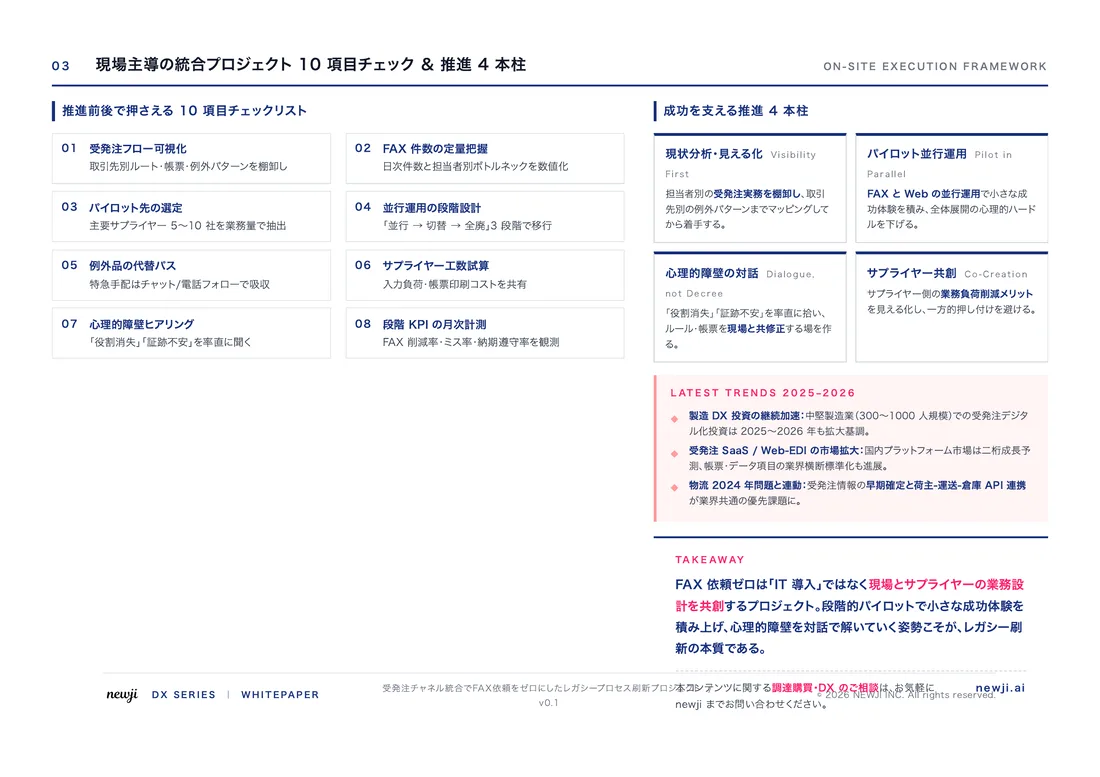
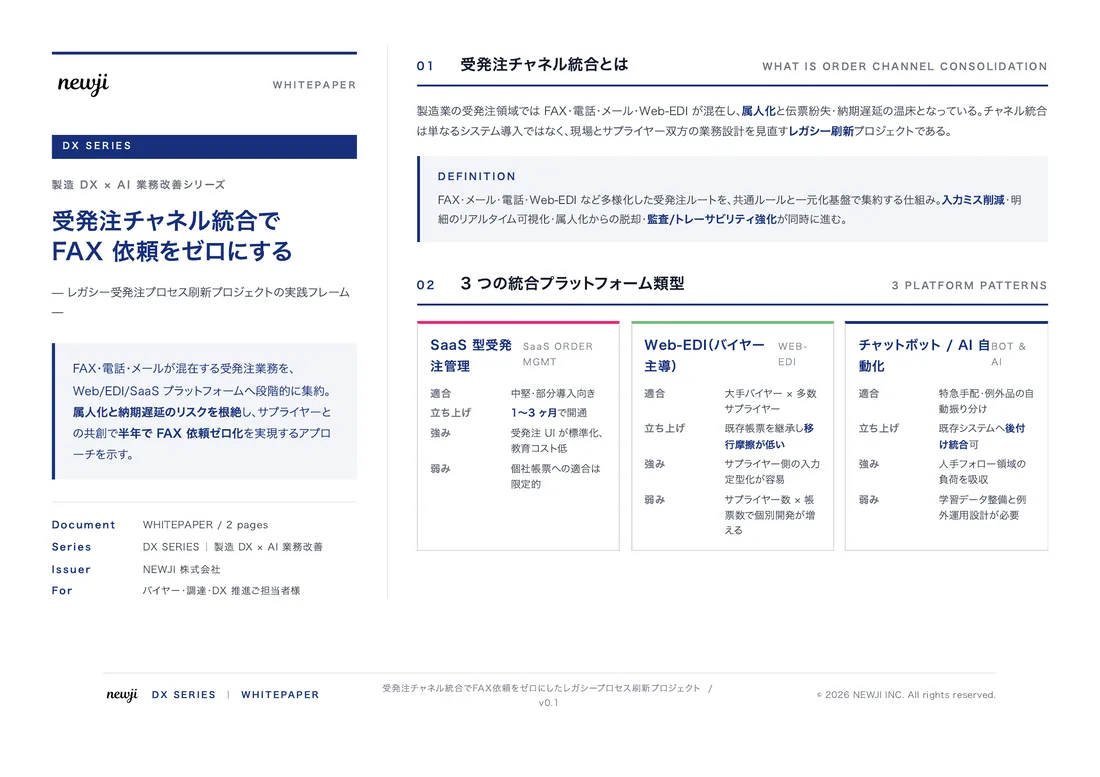
製造業の現場で使える実務資料(PDF)を無料でお届けします。"こんな資料が届きます" ↓ 下のボタンからどうぞ。
PRODUCT — 製造業向け 調達・受発注クラウド
この記事の課題、
newji で解決しませんか?
newji は、製造業の調達・受発注に特化したクラウド/AIエージェント。見積依頼・発注書作成・進捗管理・承認をひとつの画面に集約し、AIが比較と異常検知を担当。最後の「GO」だけ人が押す仕組みです。
- 見積〜発注〜納期を一元管理。催促・転記のムダをゼロに
- AIが相見積もり比較と異常検知。あなたは判断だけに集中
- 取引先は「招待」で完全無料。自社コストだけで取引先ごとデジタル化
※ 取引先から招待された企業様は完全無料でご利用いただけます


 調達購買アウトソーシング
 OEM/ODM 生産委託
 NEWJI DX
 受発注AIエージェント