

- お役立ち記事
- Application development using the no-code development tool “Click”

スタートアップから大手まで。
調達・受発注をAIで標準化。
相見積比較も進捗管理もAIが下支え。取引先は招待で完全無料。

Application development using the no-code development tool “Click”

目次
Introduction to No-Code Development Tools
Advancements in technology have allowed more individuals to participate in the creation of applications without needing extensive programming knowledge.
One of the most significant innovations in this area is the rise of no-code development tools.
These platforms empower users to build, test, and deploy a range of applications quickly and easily.
By providing drag-and-drop interfaces and pre-built elements, no-code tools remove the barriers typically associated with traditional coding.
One popular tool in this realm is “Click,” known for its user-friendly features that make application development accessible to everyone.
What is Click?
Click is a no-code development platform designed to simplify the app creation process for users of all skill levels.
Its primary strength lies in its intuitive interface, which eliminates the need for writing code from scratch.
By offering a library of customizable templates and components, Click allows users to design applications tailored to their specific needs.
With Click, users can create a variety of applications, from personal projects and organizational tools to business applications and automated workflows.
The platform emphasizes a visual approach, ensuring that users can see the impact of their changes in real-time.
This immediate feedback loop helps streamline the development process and encourages experimentation without the fear of breaking something irreparably.
Benefits of No-Code Development with Click
Speed and Efficiency
Traditional development processes often involve long periods of coding and testing, which can delay a project’s completion.
However, with Click, the time required to develop an application is significantly reduced.
Users can leverage pre-built components and templates to quickly assemble their desired app.
This efficiency means that ideas can transition from concept to execution in a fraction of the time it would take with hand-coding.
Accessibility for Non-Developers
Click is designed with non-developers in mind, making it an ideal choice for individuals who lack extensive programming skills but have innovative ideas they wish to bring to life.
By removing the need for coding knowledge, Click broadens the demographics of those able to engage in app development, fostering a culture of inclusivity and creativity.
Cost-Effective Solutions
Hiring professional developers can be expensive, especially for small businesses or independent creators.
By using Click, individuals and organizations can cut costs associated with hiring external developers or purchasing expensive software.
This affordability makes it possible for more people to pursue application development as a viable option for their projects.
Getting Started with Click
Sign Up and Explore
To begin using Click, users need to create an account on the platform.
Once logged in, Click offers a comprehensive guide to familiarize new users with its features.
Exploring the interface is a crucial first step, as understanding the tool’s capabilities will help users make informed decisions during the development process.
Choose a Template
Click offers a variety of templates tailored to different types of applications.
Whether you’re building a business app, creating a content management system, or developing a personal project, there’s likely a template that fits your needs.
Choosing the right template is essential, as it forms the foundation upon which your app will be built.
Customize Your Application
After selecting a template, users can begin customizing their application to suit their unique requirements.
Click allows users to modify colors, layouts, and content through simple drag-and-drop actions.
Additionally, users can integrate various elements and features to enhance the functionality of their app.
Testing and Deployment
Once your application is designed, it’s important to thoroughly test it to ensure everything functions as expected.
Click provides several tools for testing, allowing users to address any issues before launching their application.
Deployment is straightforward, with options to publish the app for immediate use or to share it with a select audience for further feedback.
Real-World Applications of Click
Startups and Small Businesses
For startups and small businesses, Click presents an invaluable tool for developing internal tools and consumer-facing applications.
Its affordability and ease of use make it possible for businesses with limited resources to compete in the digital landscape.
By using Click, these businesses can build custom solutions without the need for a large technical team.
Educational Projects
Teachers and students can benefit from Click by using it to create educational apps and projects.
Whether it’s an interactive learning tool or a classroom management app, Click’s no-code platform enables educators to bring their visions to life without requiring an IT department’s assistance.
Non-Profit Organizations
Non-profits often operate on tight budgets and may not have the means to hire developers for their digital needs.
Click allows these organizations to develop applications that streamline their operations, from managing volunteers to coordinating events, all within a budget-friendly framework.
Conclusion
Click is transforming the way individuals and organizations approach application development.
By removing the barriers associated with traditional coding, it democratizes the creation process, enabling more people to participate in building innovative solutions.
Whether you’re an entrepreneur, educator, or part of a non-profit, Click offers a powerful no-code platform that can help turn your ideas into reality efficiently and affordably.
With its potential to foster creativity and innovation, Click stands as a pivotal tool in the future of application development.
この記事の理解を深める
無料ホワイトペーパーをプレゼント
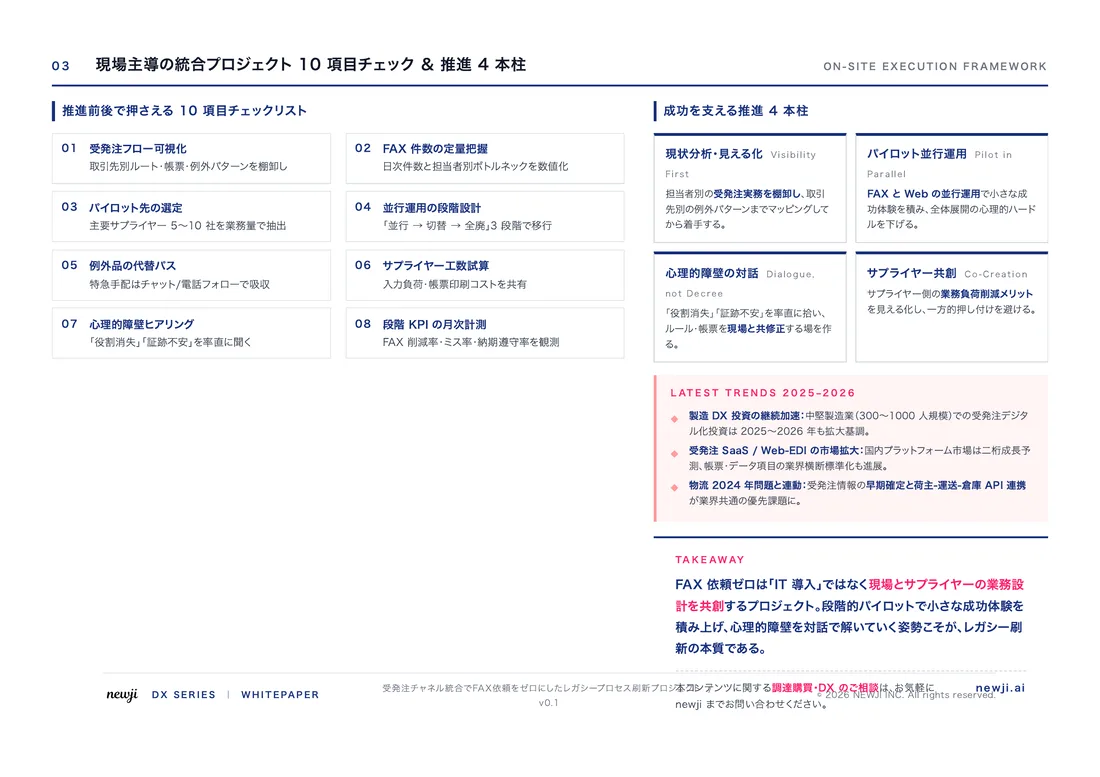
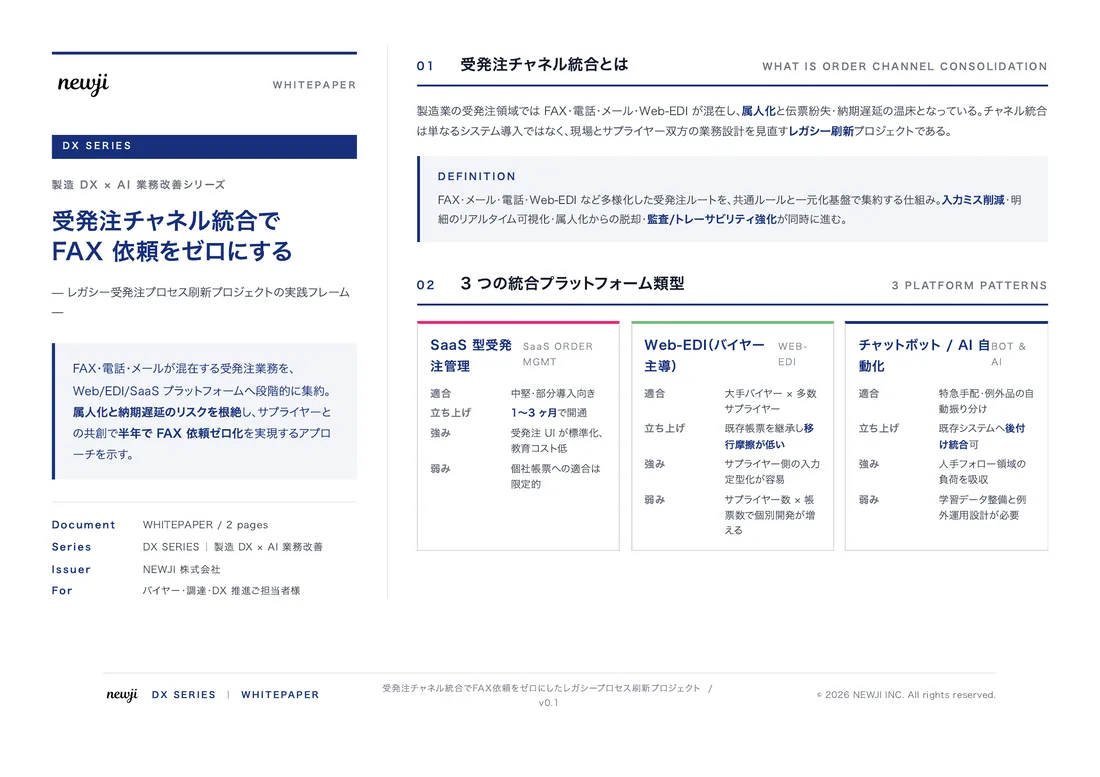
製造業の現場で使える実務資料(PDF)を無料でお届けします。"こんな資料が届きます" ↓ 下のボタンからどうぞ。
PRODUCT — 製造業向け 調達・受発注クラウド
この記事の課題、
newji で解決しませんか?
newji は、製造業の調達・受発注に特化したクラウド/AIエージェント。見積依頼・発注書作成・進捗管理・承認をひとつの画面に集約し、AIが比較と異常検知を担当。最後の「GO」だけ人が押す仕組みです。
- 見積〜発注〜納期を一元管理。催促・転記のムダをゼロに
- AIが相見積もり比較と異常検知。あなたは判断だけに集中
- 取引先は「招待」で完全無料。自社コストだけで取引先ごとデジタル化
※ 取引先から招待された企業様は完全無料でご利用いただけます


 調達購買アウトソーシング
 OEM/ODM 生産委託
 NEWJI DX
 受発注AIエージェント