

- お役立ち記事
- Easy-to-understand and easy-to-read technical document design methods and visualization of quality

その単価は妥当か。
AI が根拠付きで分析。
相見積の比較も発注も進捗管理も、ひとつの画面に。

Easy-to-understand and easy-to-read technical document design methods and visualization of quality

目次
Understanding the Importance of Technical Documentation
Creating technical documents isn’t just about putting words on paper.
It involves constructing information in a way that’s easy to understand, even for those who are not experts in the field.
The main goal is to convey complex technical content clearly, ensuring the target audience can comprehend and utilize the information without unnecessary difficulty.
Technical documentation serves various purposes, such as guiding users through a product, enabling technical support, and documenting processes for future reference.
As such, the quality of these documents directly impacts user experience and operational efficiency.
Effective technical documents translate into fewer errors, reduced support costs, and increased user engagement and satisfaction.
Principles of Easy-to-Read Technical Document Design
Know Your Audience
Before you begin writing, understanding the audience is crucial.
Ask yourself who will be using the document and what their level of expertise is.
Tailoring your language and content complexity to your audience’s needs ensures clarity and relevance.
Logical Structure
Organizing content logically is vital for readability.
Start with a table of contents for navigation in longer documents.
Use headers and sub-headers consistently to break down information into digestible parts.
A logical flow, moving from general overviews to specific details, aids comprehension.
Concise and Clear Language
Avoid jargon where possible.
If industry-specific terms are necessary, include a glossary or explanations.
Aim for clarity by using short sentences and active voice.
Technical writing should be straightforward—less is often more when it comes to words.
Visual Aids
Visual elements like diagrams, flowcharts, and screenshots can enhance understanding.
They break up text and provide a visual representation of concepts or processes.
Images should be annotated where necessary, guiding users to understand what they’re viewing and how it relates to the text.
Ensure all visuals are high quality and easy to interpret.
Design Considerations for Quality Visualization
Consistency in Style
Consistency is key for a professional look and feel.
This encompasses everything from font choices to color schemes and spacing.
Choose fonts that are clean and easy to read, typically sans-serif for digital documents.
Stick to a limited color palette to avoid distractions and maintain focus on the content.
Whitespace and Layout
Whitespace, or negative space, improves readability by reducing clutter.
It gives the reader’s eyes a place to rest and helps individuals focus better.
Make use of margins, padding, and line spacing to craft documents that are easy on the eyes.
Interactive Features for Digital Documents
When applicable, incorporate interactive elements such as hyperlinks, collapsible sections, and video tutorials.
These can provide an enriched experience, especially in web-based documents, and guide the reader efficiently through the document.
Accessibility
Technical documents should be accessible to all users, including those with disabilities.
Utilize text descriptions for images and ensure compatibility with screen readers.
Use high-contrast color schemes and large font sizes where necessary for those with visual impairments.
Measuring and Improving Document Quality
Gathering User Feedback
Collect feedback from document users to identify areas for improvement.
This can be done through surveys, interviews, or direct responses via a feedback form.
User perspectives can highlight confusing sections or missing information, enabling you to refine the document.
Usability Testing
Conduct usability testing with individuals who match your document’s target audience.
Observe how they navigate the document and note any difficulties they encounter.
Their experience will provide valuable insights for optimizing the document’s design and content.
Regular Revisions
Technical content often becomes outdated as technology advances.
Regularly review and update documents to ensure accuracy and relevance.
Workflow changes, software updates, or process modifications can all necessitate content adjustments.
Metrics and Analytics
Utilize tools that track document views, reading duration, and interaction levels.
Metrics such as these help gauge the document’s effectiveness and can point to sections lacking engagement or clarity.
Conclusion
Clear, concise, and well-structured technical documents enhance user experience and enable efficient information dissemination.
By considering audience needs and incorporating effective design elements, technical writers can craft documents that are not only informative but also accessible and engaging.
Regularly revisiting and updating these documents ensures they remain effective and relevant, ultimately supporting the user in achieving a seamless understanding of the material presented.
この記事の理解を深める
無料ホワイトペーパーをプレゼント
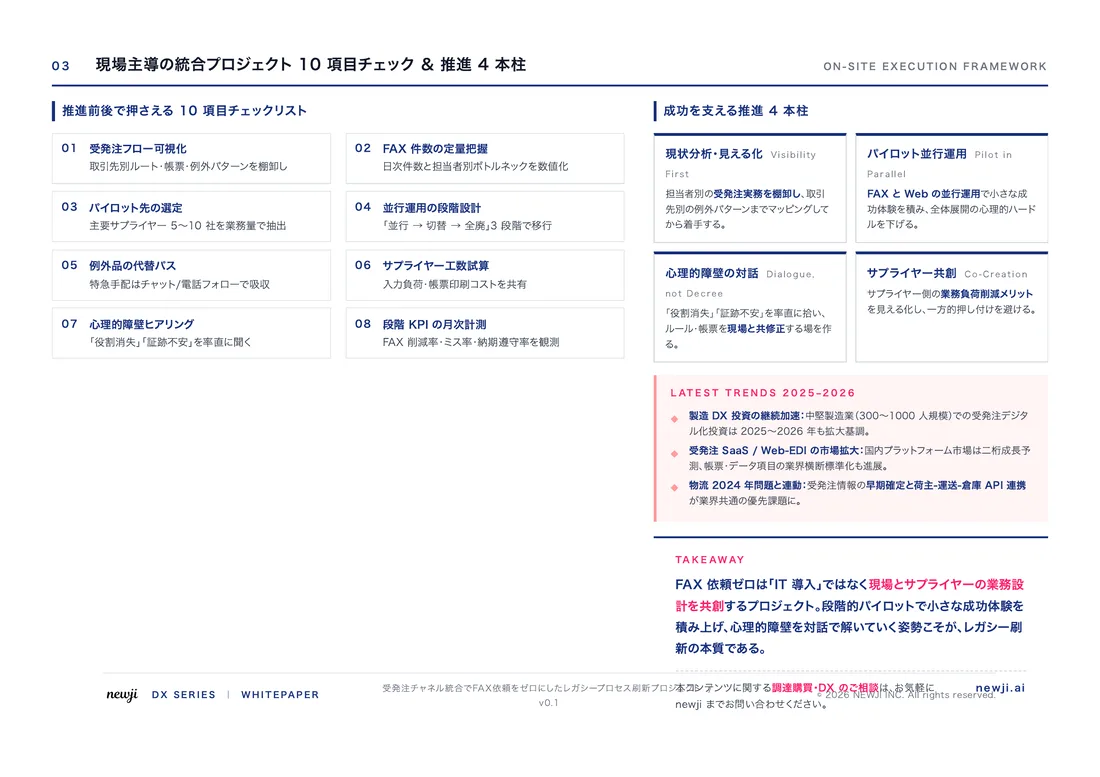
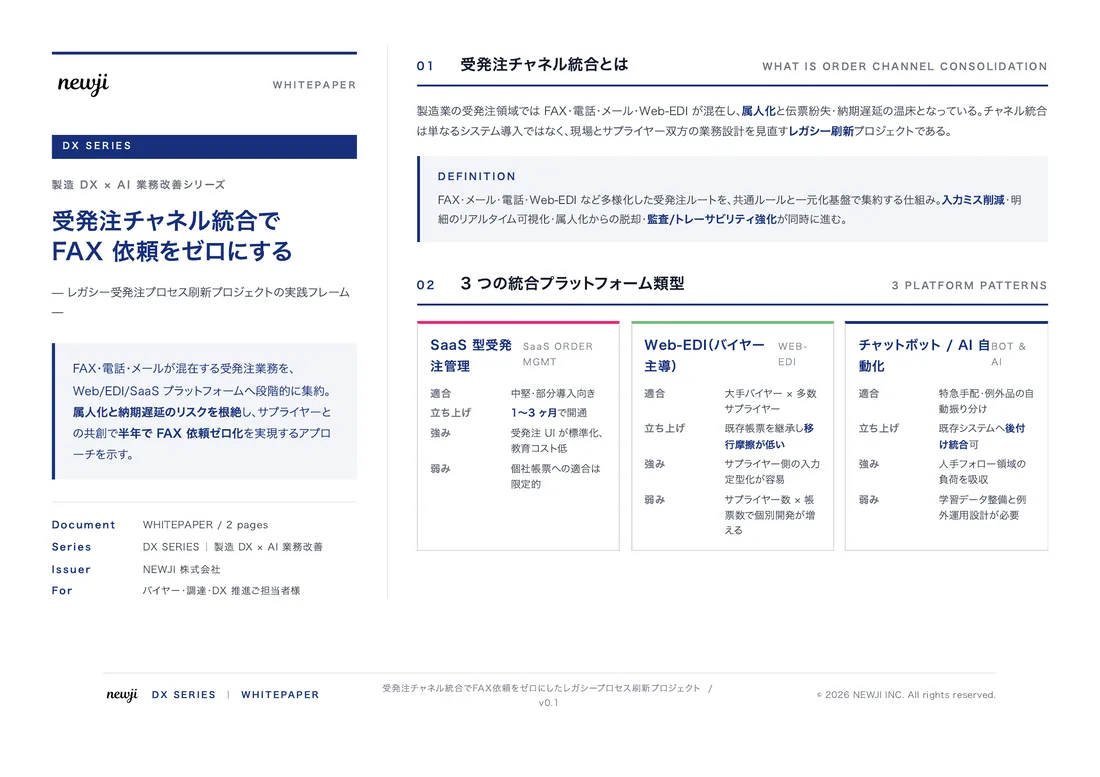
製造業の現場で使える実務資料(PDF)を無料でお届けします。"こんな資料が届きます" ↓ 下のボタンからどうぞ。
FREE DOCUMENT — サービス資料(PDF・無料)
製造業の見積・受発注クラウド
「Newji one」とは
Newji one は、製造業の調達・受発注に特化したクラウド/AIエージェント。見積依頼・発注書作成・進捗管理・承認をひとつの画面に集約し、AIが比較と異常検知を担当。最後の「GO」だけ人が押す仕組みです。
▶ 製造業の見積・受発注クラウド「Newji one」を、資料で見る(PDF・無料)
- 見積〜発注〜納期を一元管理。催促・転記のムダをゼロに
- AIが相見積もり比較と異常検知。あなたは判断だけに集中
- 取引先は「招待」で完全無料。自社コストだけで取引先ごとデジタル化
※ 取引先から招待された企業様は完全無料でご利用いただけます


 NEWJI総研
 OEM/ODM 生産委託
 AI/DX支援
 見積・発注クラウド Newji one
受発注が増えるほど、入力・確認・催促が重くなる。
受発注管理を“仕組み化“して、ミスと工数を削減しませんか。
見積・発注・納期まで一元管理できます。