

- お役立ち記事
- Basics and application points of human-machine interface design

その単価は妥当か。
AI が根拠付きで分析。
相見積の比較も発注も進捗管理も、ひとつの画面に。

Basics and application points of human-machine interface design

目次
Understanding Human-Machine Interface (HMI)
Human-Machine Interface, commonly referred to as HMI, serves as a bridge between humans and machines.
It is the part of a machine that handles human inputs and outputs, allowing users to interact effortlessly with devices.
From simple controls like push buttons to complex control panels and touchscreens, HMIs enable humans to communicate with machines efficiently.
The purpose of HMI is to translate complex processes into understandable visual information and straightforward commands for the user.
This interface is crucial in fields such as manufacturing, transportation, healthcare, and even consumer electronics, where seamless interaction can enhance productivity and safety.
Key Components of HMI Design
Effective HMI design spans several vital elements that ensure functionality and user satisfaction.
Understanding these components provides a clearer insight into how to design exemplary HMIs.
User-Centered Design
User-centered design places the user at the forefront of the development process.
The primary goal is to understand the needs, limitations, and preferences of the end-user.
By focusing on these aspects, designers can create interfaces that are intuitive and easy to navigate.
Engaging with users through interviews and usability testing can uncover valuable insights to drive improvements.
Intuitive Navigation
Intuitive navigation is essential in HMI design.
Users should be able to perform tasks with minimal effort and learn how to operate the interface quickly.
Key features like logical sequencing, accessible menu structures, and clear labels contribute to an intuitive navigation experience.
The interface should minimize the cognitive load on users, making it easy for them to find the information they need and complete desired actions.
Visual Hierarchy
A well-designed visual hierarchy helps users understand the importance of information and prioritize tasks effectively.
By using elements such as color, size, and placement, designers can guide the user’s eye to critical information first.
Important actions or data should be prominently displayed while less crucial details take a secondary role.
Feedback and Responsiveness
Providing feedback in response to user actions is vital for efficient HMI design.
Feedback reassures users that their inputs have been received and processed.
This can take the form of visual cues, auditory signals, or haptic feedback.
Additionally, the interface should respond quickly to inputs, ensuring a seamless user experience without frustrating delays.
Applications of HMI in Various Industries
Human-Machine Interfaces find applications across diverse sectors, enhancing the human ability to control machines and process information efficiently.
Manufacturing
In the manufacturing industry, HMIs are employed to control machinery, monitor production processes, and enhance safety.
Control panels and touchscreens allow operators to interact with complex machinery, diagnose issues, and adjust parameters in real-time.
Efficient HMI design in manufacturing can lead to increased productivity, reduced downtime, and improved workplace safety.
Transportation
In transportation, HMIs are essential for improving driver and operator experiences in vehicles, aircraft, and trains.
Modern vehicles are equipped with interactive dashboards that provide information on fuel consumption, navigation, and vehicle diagnostics.
In aviation, sophisticated HMIs enable pilots to monitor flight parameters and control aircraft systems effectively.
Healthcare
Healthcare technology relies heavily on HMIs to improve patient care and streamline operations.
Medical devices such as MRI machines, infusion pumps, and patient monitoring systems use HMIs to enable healthcare professionals to operate equipment and interpret patient data.
Well-designed HMIs can reduce the likelihood of human error and enhance the quality of care provided to patients.
Consumer Electronics
In the consumer electronics sector, HMIs are pivotal for creating user-friendly devices.
Smartphones, tablets, and other electronic gadgets utilize touchscreens and voice commands to offer seamless interaction experiences.
The design of these interfaces plays a significant role in the device’s usability and consumer satisfaction.
Challenges in HMI Design
Despite the benefits, designers face several challenges when developing HMIs.
Complexity of Systems
As technology advances, the complexity of systems increases.
Designers must balance incorporating advanced functionalities and maintaining simplicity for the end-users.
Striking this balance is critical to preventing user frustration and ensuring effective interaction.
Accessibility
Designing HMIs that are accessible to all users, including those with disabilities, is a significant challenge.
Ensuring accessibility requires thoughtful design choices, such as using high-contrast colors, providing text alternatives, and supporting screen readers.
Inclusive interfaces expand usability to a wider audience and comply with legal accessibility standards.
Security Concerns
Integration of HMIs with networked systems comes with potential security vulnerabilities.
Designers must consider security features like authentication, encryption, and intrusion detection to protect sensitive data and prevent unauthorized access.
Security should be a priority without compromising the user experience.
Future Trends in HMI Design
As technology progresses, future trends in HMI design promise to transform interaction paradigms.
Natural User Interfaces
Natural User Interfaces (NUIs) focus on creating seamless and intuitive interactions by leveraging natural human behaviors.
Emerging technologies like gesture control and voice recognition are pioneering this trend.
NUIs aim to make HMIs more intuitive by minimizing learning curves and allowing users to communicate naturally with machines.
Virtual and Augmented Reality
The incorporation of Virtual Reality (VR) and Augmented Reality (AR) into HMIs opens new possibilities for immersive interactions.
VR can simulate environments for training and design purposes, while AR overlays digital information onto the real world, assisting in tasks like maintenance and assembly.
These technologies can revolutionize HMI capabilities, particularly in industries that require complex visualization.
Artificial Intelligence Integration
Integrating Artificial Intelligence (AI) with HMIs enhances dynamic interaction and personalization.
AI can predict user needs, automate repetitive tasks, and offer data-driven insights, increasing the overall efficiency of human-machine interaction.
The synergy between AI and HMI could lead to more predictive, adaptive, and context-aware systems in the future.
Understanding the basics and application points in human-machine interface design is essential for creating effective and user-friendly systems.
Always keeping the end-user in mind and adapting to industry challenges and emerging trends will continually shape the future of human-machine interaction for the better.
この記事の理解を深める
無料ホワイトペーパーをプレゼント
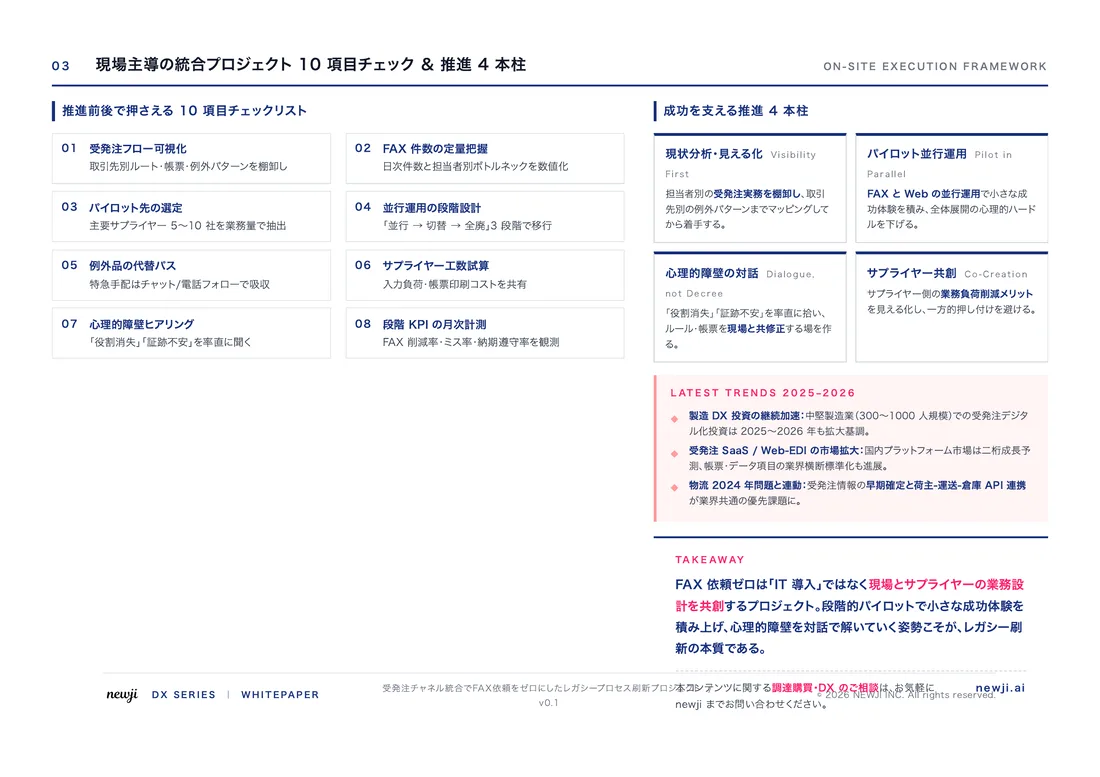
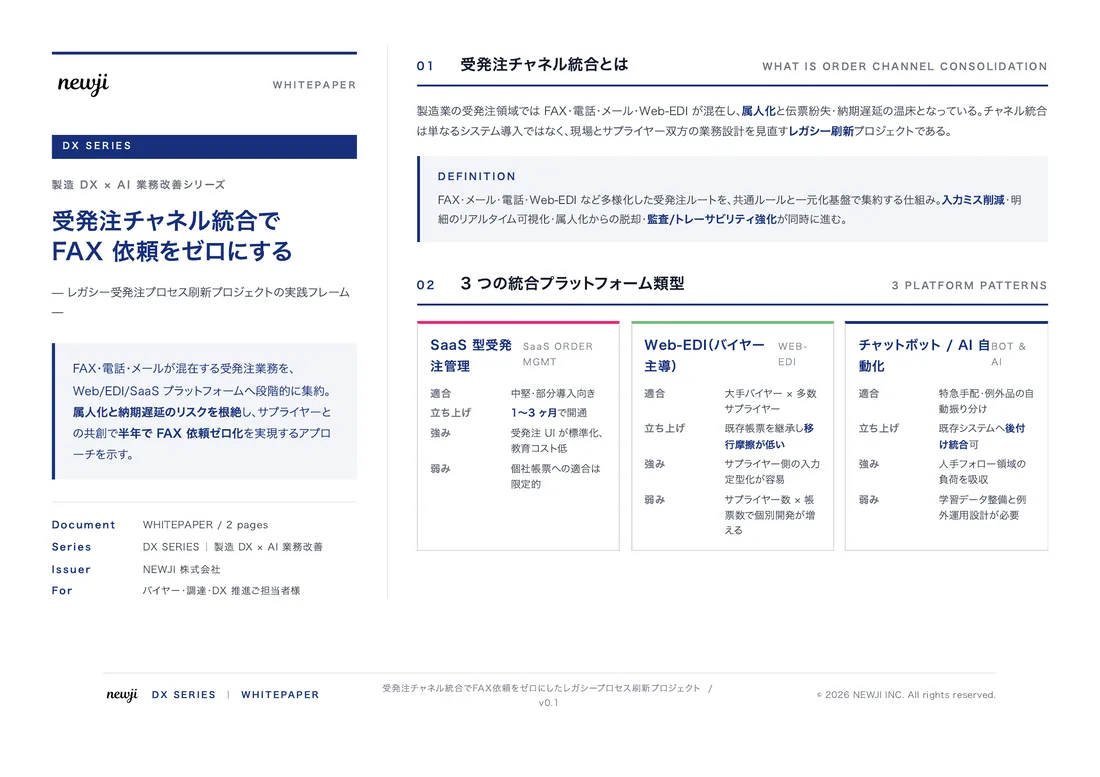
製造業の現場で使える実務資料(PDF)を無料でお届けします。"こんな資料が届きます" ↓ 下のボタンからどうぞ。
FREE DOCUMENT — サービス資料(PDF・無料)
製造業の見積・受発注クラウド
「Newji one」とは
Newji one は、製造業の調達・受発注に特化したクラウド/AIエージェント。見積依頼・発注書作成・進捗管理・承認をひとつの画面に集約し、AIが比較と異常検知を担当。最後の「GO」だけ人が押す仕組みです。
▶ 製造業の見積・受発注クラウド「Newji one」を、資料で見る(PDF・無料)
- 見積〜発注〜納期を一元管理。催促・転記のムダをゼロに
- AIが相見積もり比較と異常検知。あなたは判断だけに集中
- 取引先は「招待」で完全無料。自社コストだけで取引先ごとデジタル化
※ 取引先から招待された企業様は完全無料でご利用いただけます

 NEWJI総研
 OEM/ODM 生産委託
 AI/DX支援
 見積・発注クラウド Newji one
受発注が増えるほど、入力・確認・催促が重くなる。
受発注管理を“仕組み化“して、ミスと工数を削減しませんか。
見積・発注・納期まで一元管理できます。