

- お役立ち記事
- Fundamentals and applications of product UI sound design

スタートアップから大手まで。
調達・受発注をAIで標準化。
相見積比較も進捗管理もAIが下支え。取引先は招待で完全無料。

Fundamentals and applications of product UI sound design

目次
Understanding Product UI Sound Design
Product UI sound design is an important aspect of the overall user experience in any digital or physical product.
It involves creating audio cues that guide users and enhance their interaction with the product.
Whether it’s the subtle click sound on a virtual button or an alert tone in an app, sound design can significantly affect how users perceive and interact with technology.
Product UI sound design isn’t merely about picking pleasant tones.
It integrates function, aesthetics, and brand identity to create a cohesive auditory experience.
Understanding the fundamentals of this field is key for designers who aim to make products more intuitive and engaging.
The Role of Sound in User Interfaces
Sound in user interfaces (UI) serves several critical roles.
Firstly, it acts as feedback for users’ actions.
When users tap a button or complete a task, a sound confirms that their action has been recognized.
This feedback is especially crucial in touch interfaces, where users rely on audio cues due to the lack of tactile feedback.
Secondly, UI sounds alert users to changes or important notifications.
For instance, an error beep or a notification chime can draw the user’s attention promptly.
Thirdly, UI sound design helps in setting the emotional tone of the product.
It can evoke feelings of delight, urgency, or relaxation, contributing to the overall atmosphere that the product aims to create.
Types of UI Sounds
UI sounds can be broadly categorized into three types: functional, informative, and emotional.
– **Functional Sounds**: These provide feedback for user actions, such as button clicks or page-loading indicators. They ensure the user knows that their input has been received.
– **Informative Sounds**: These are used for alerts and notifications. They convey essential information, like incoming messages or warnings.
– **Emotional Sounds**: These aim to enhance the user experience by aligning with the brand’s identity and the product’s theme. They can create a more immersive and enjoyable experience.
Principles of Effective UI Sound Design
To create effective UI sound designs, several guiding principles must be considered:
Simplicity and Clarity
Sound design should focus on simplicity and clarity.
Overly complex sounds can confuse users or even frustrate them.
Simple sounds are more likely to be interpreted correctly and quickly by users.
Consistency
Consistency in sound design across a product helps in building familiarity and trust.
Using consistent sound cues for similar actions or alerts ensures that users understand and remember what each sound signifies.
Appropriate Feedback
The sound feedback should be appropriate for the action taken or the information being conveyed.
For instance, a soft click is suitable for button presses, while a louder, more distinct sound might be appropriate for critical alerts.
Aesthetic and Branding
Sound design should align with the aesthetic and branding of the product.
A luxury brand app would likely opt for elegant and sophisticated tones, whereas a children’s app might use playful and vibrant sounds.
Aligning sound with brand identity strengthens users’ connection to the product.
Applications of UI Sound Design Across Industries
UI sound design applies to a diverse range of industries, from mobile applications and games to household appliances and vehicles.
Mobile Applications
In mobile apps, sound design enhances usability and enjoyment.
Smart use of sound can make apps feel more responsive and engaging.
For example, messaging apps effectively use sound to notify users of incoming messages, enhancing the communication experience.
Video Games
In gaming, sound design plays a critical role.
It goes beyond UI, creating world ambiance and immersing players in the gaming environment.
Sound effects communicate progress, indicate successes, and alert players to dangers, building a deeper connection to the game world.
Consumer Electronics
Consumer electronics, such as microwaves and washing machines, use sound to enhance functionality and usability.
Beeping sounds indicate completed cycles or errors, making complex interfaces more user-friendly.
Automotive Industry
In vehicles, sound design contributes to safety and driver experience.
Audible alerts inform drivers of various conditions like unfastened seatbelts or open doors.
Increasingly, automotive UIs use sound to communicate sophisticated information regarding autonomous driving features.
The Future of UI Sound Design
As technology continues to evolve, the future of UI sound design presents exciting opportunities and challenges.
Emerging technologies such as virtual reality (VR) and augmented reality (AR) apply sound design in dynamic ways, enhancing immersion and interaction.
These rapidly growing fields demand more intricate and realistic sound designs.
Additionally, with the rise of artificial intelligence (AI), sound design is becoming more personalized.
AI can tailor audio feedback to suit users’ preferences and environments, creating more individualized experiences.
Sound designers also face the challenge of developing inclusive experiences.
This involves creating soundscapes that are accessible to users with auditory impairments or using sound design to complement visual UX for visually impaired users.
Conclusion
Product UI sound design is an integral part of crafting meaningful and intuitive user experiences.
By understanding the core principles and various applications across industries, designers can leverage sound effectively to enhance usability, engagement, and brand identity.
As we look to the future, embracing new technologies and focusing on accessibility will further enrich the potential of UI sound design, unlocking new levels of user interaction and satisfaction.
この記事の理解を深める
無料ホワイトペーパーをプレゼント
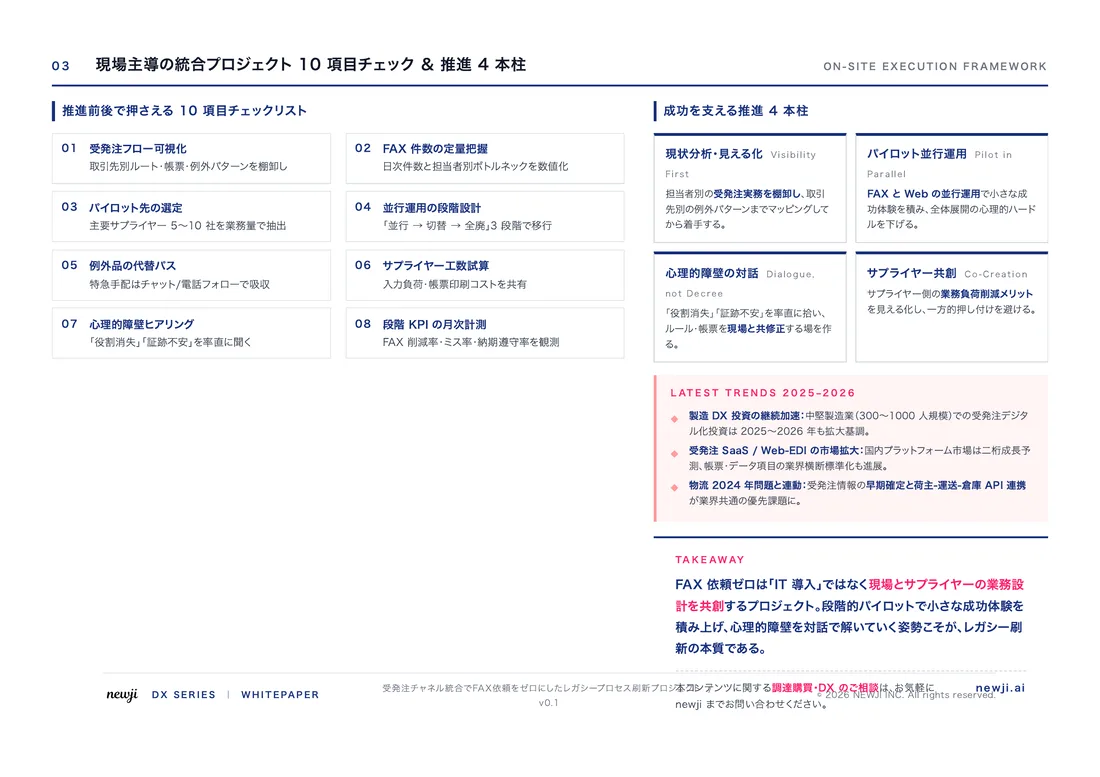
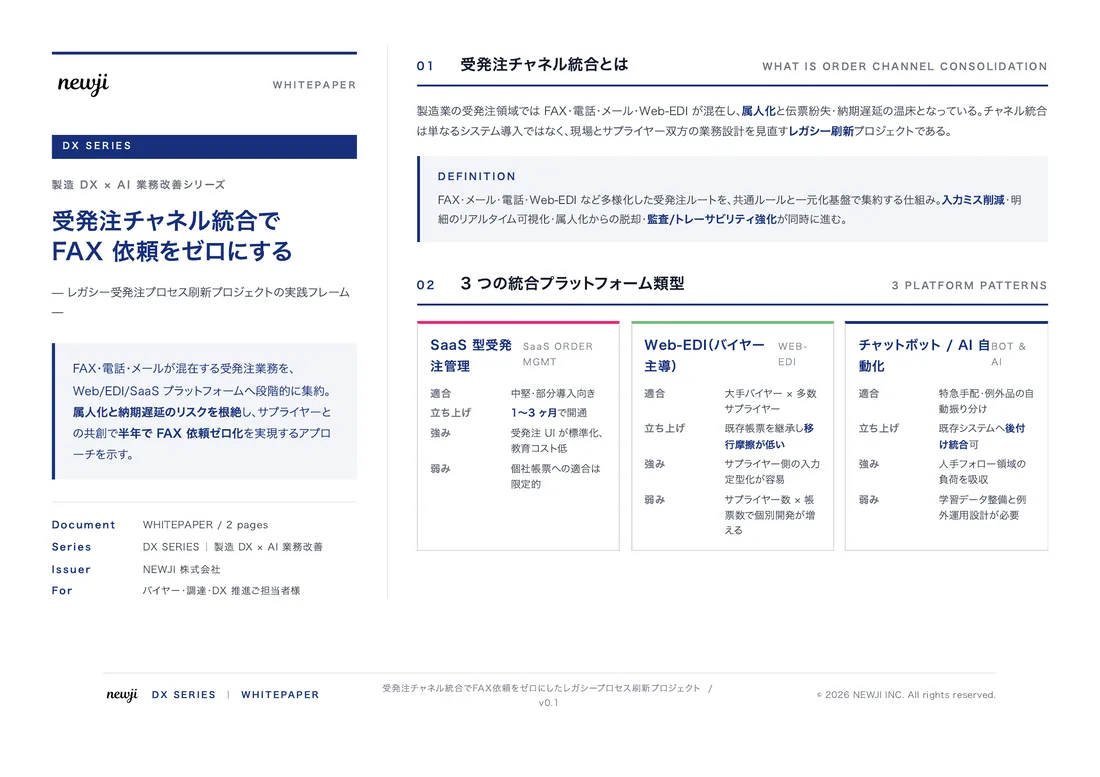
製造業の現場で使える実務資料(PDF)を無料でお届けします。"こんな資料が届きます" ↓ 下のボタンからどうぞ。
PRODUCT — 製造業向け 調達・受発注クラウド
この記事の課題、
newji で解決しませんか?
newji は、製造業の調達・受発注に特化したクラウド/AIエージェント。見積依頼・発注書作成・進捗管理・承認をひとつの画面に集約し、AIが比較と異常検知を担当。最後の「GO」だけ人が押す仕組みです。
- 見積〜発注〜納期を一元管理。催促・転記のムダをゼロに
- AIが相見積もり比較と異常検知。あなたは判断だけに集中
- 取引先は「招待」で完全無料。自社コストだけで取引先ごとデジタル化
※ 取引先から招待された企業様は完全無料でご利用いただけます




 調達購買アウトソーシング
 OEM/ODM 生産委託
 NEWJI DX
 受発注AIエージェント