

- お役立ち記事
- How to start a daily report app with a small investment and tips for successful operation

How to start a daily report app with a small investment and tips for successful operation

目次
Understanding the Basics of a Daily Report App
A daily report app is a digital tool designed to help businesses streamline their daily reporting processes.
These apps facilitate the tracking of tasks, progress, and achievements within a company, making it easier for managers and employees to communicate and collaborate effectively.
Starting a daily report app can be a transformative move for any business, regardless of its size.
Before diving into the creation of a daily report app, it’s important to understand its primary functions and benefits.
Typically, these apps offer features such as task management, deadline tracking, and team communication.
They are particularly beneficial for remote teams, where real-time updates and accessible reporting are essential.
Investment: Keeping It Affordable
When starting a daily report app with a small investment, there are several strategies one can employ to keep costs low.
Begin by utilizing open-source platforms, which are often free and provide the fundamental tools needed to create a basic app.
These platforms can be customized over time as your needs and resources grow.
Alternatively, consider using software-as-a-service (SaaS) solutions that offer subscription-based pricing.
This model allows you to start small, paying only for what you use, and scale up as your business demands increase.
SaaS solutions often come with cloud storage, reducing the need for expensive hardware investments.
Tips for a Successful Daily Report App
Identify Your Core Requirements
Before developing your app, identify the core features and functionalities that your business needs.
Determine the primary objectives the app should achieve—such as improving team communication, tracking progress, or managing deadlines.
Having a clear understanding of your requirements will guide the development process and ensure the app meets your business’s specific needs.
Keep the User Interface Simple
Simplicity is key when it comes to app design.
A cluttered or overly complex interface can deter users and hinder productivity.
Focus on designing an intuitive user interface that is easy to navigate.
This will encourage adoption and regular use among employees.
User-friendly features such as drag-and-drop, color coding, and clear labeling can significantly enhance the overall experience.
Ensure Flexibility and Scalability
Businesses evolve over time, and so should your daily report app.
Ensure that the app is flexible enough to accommodate changes in your business operations.
Scalability is also crucial, allowing the app to handle an increasing volume of reporting data as the business grows.
Choose technologies and platforms that support easy updates and expansions.
Incorporate Integration Capabilities
For maximum efficiency, your app should be able to integrate seamlessly with other tools and systems your business uses.
This might include customer relationship management (CRM) software, email platforms, and project management tools.
Integration capabilities streamline workflows by transferring data automatically between systems, reducing the need for manual entry and minimizing errors.
Prioritize Security
Your daily report app will likely handle sensitive business information, making security a top priority.
Implement strong data protection measures, such as encryption and secure login processes, to safeguard against unauthorized access.
Regular security updates and audits are essential to maintain the app’s integrity and protect your business data.
Promoting App Adoption
To ensure the successful operation of your daily report app, employee adoption is critical.
Begin by educating your team about the app’s benefits and how it will make their jobs easier.
Offer training sessions and create how-to guides to help employees get up to speed with the app’s features.
Encourage feedback and suggestions for improvements, which can lead to better user experience and higher adoption rates.
Consider implementing a trial period where employees can familiarize themselves with the app’s functionalities without pressure.
Continuous Improvement
Finally, regularly review and assess the app’s performance.
Gather feedback from users to identify pain points and areas for enhancement.
Continuous improvement is essential to maintain the app’s relevance and efficiency.
Update the app with new features and improvements based on user feedback, ensuring it continues to meet the evolving needs of your business.
In conclusion, starting a daily report app with a small investment is entirely feasible with the right approach.
By focusing on essential features, user experience, and security, your business can operate more effectively and efficiently.
With consistent updates and improvements, your daily report app will prove to be a vital tool in your company’s success.
この記事の理解を深める
無料ホワイトペーパーをプレゼント
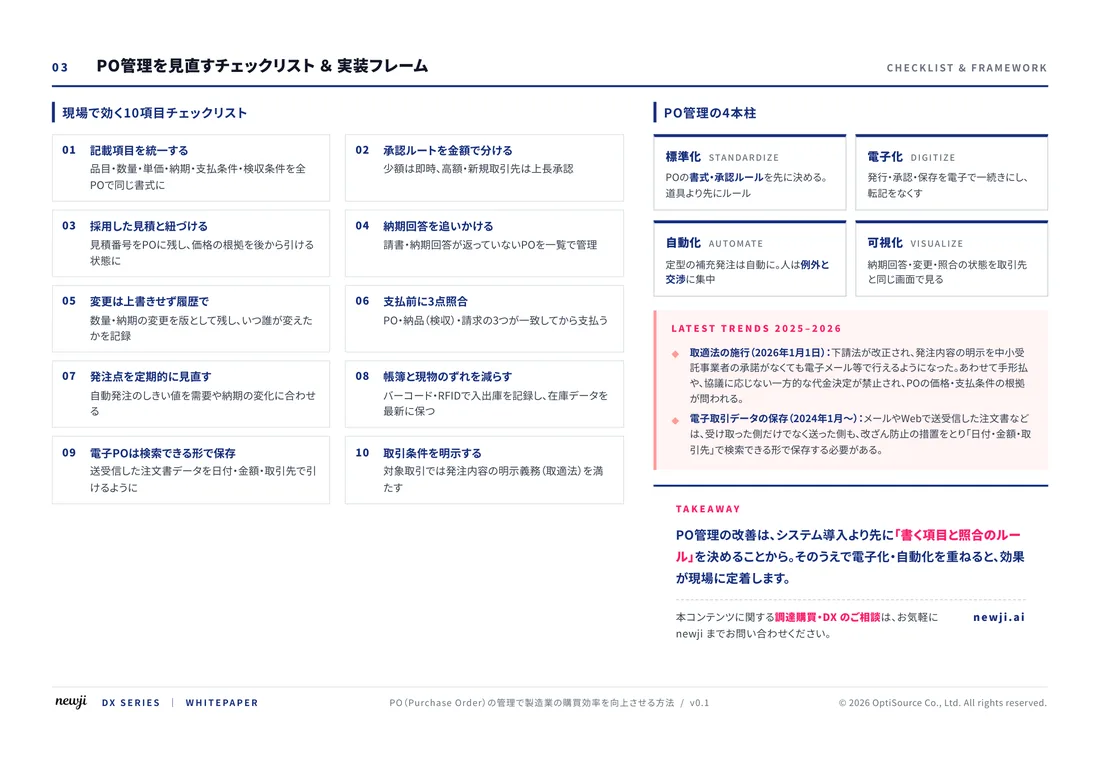
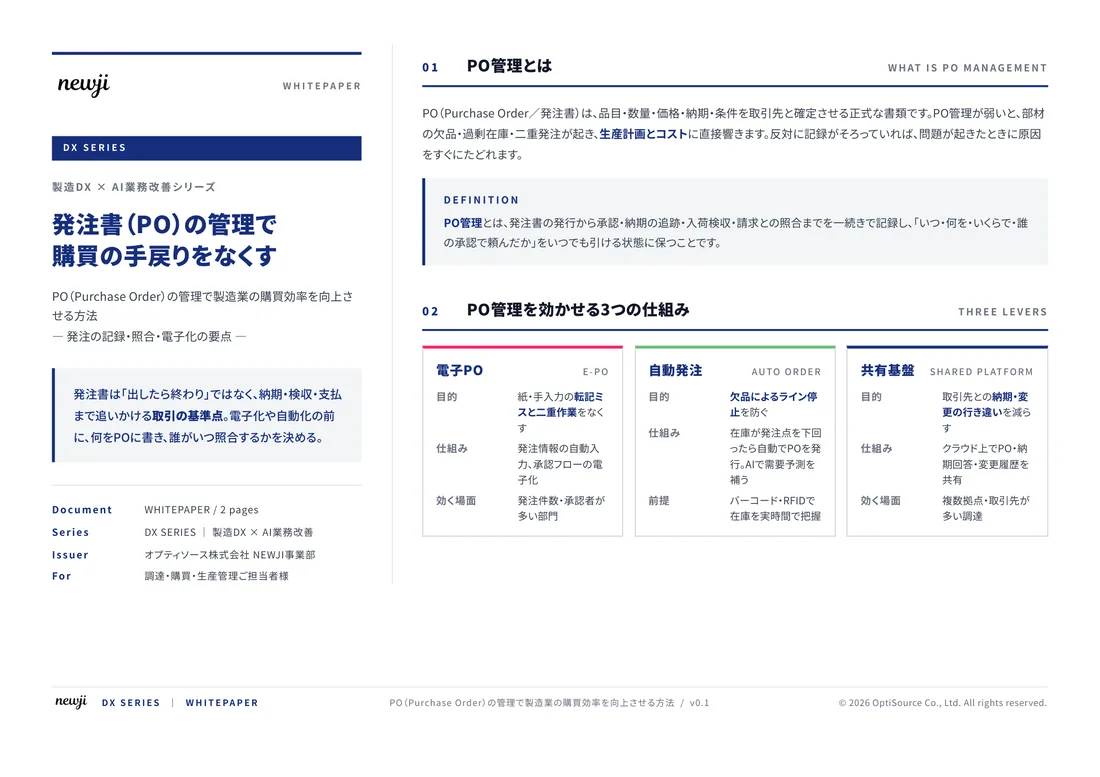
製造業の現場で使える実務資料(PDF)を無料でお届けします。"こんな資料が届きます" ↓ 下のボタンからどうぞ。
FREE DOCUMENT — サービス資料(PDF・無料)
製造業の見積・受発注クラウド
「Newji one」とは
Newji one は、製造業の調達・受発注に特化したクラウド/AIエージェント。見積依頼・発注書作成・進捗管理・承認をひとつの画面に集約し、AIが比較と異常検知を担当。最後の「GO」だけ人が押す仕組みです。
▶ 製造業の見積・受発注クラウド「Newji one」を、資料で見る(PDF・無料)
- 見積〜発注〜納期を一元管理。催促・転記のムダをゼロに
- AIが相見積もり比較と異常検知。あなたは判断だけに集中
- 取引先は「招待」で完全無料。自社コストだけで取引先ごとデジタル化
※ 取引先から招待された企業様は完全無料でご利用いただけます

 NEWJI総研
 OEM/ODM 生産委託
 AI/DX支援
 見積・発注クラウド Newji one
受発注が増えるほど、入力・確認・催促が重くなる。
受発注管理を“仕組み化“して、ミスと工数を削減しませんか。
見積・発注・納期まで一元管理できます。