

- お役立ち記事
- How to visualize process results using a color-coded sheet for use in morning meetings

スタートアップから大手まで。
調達・受発注をAIで標準化。
相見積比較も進捗管理もAIが下支え。取引先は招待で完全無料。

How to visualize process results using a color-coded sheet for use in morning meetings

目次
Understanding the Importance of Color-Coded Sheets
Morning meetings are a crucial part of many organizations, setting the tone and direction for the day ahead.
However, conveying information quickly and effectively during these meetings can sometimes be challenging.
One effective method of communication is through the use of color-coded sheets.
These visual aids can quickly capture attention and make the process results easy to understand at a glance.
Color coding is more than just a way to make information look attractive.
It’s a strategic tool that helps in organizing data and differentiating between various types of information.
This method appeals to our visual senses, making it easier to remember and comprehend key points quickly.
In a fast-paced meeting, where every second counts, color-coding can be a game changer.
How to Design an Effective Color-Coded Sheet
Designing an effective color-coded sheet requires thought and planning.
The first step is identifying the key data points or process results that need to be communicated.
Once the information is clear, the next step is to choose colors that are easily distinguishable from one another and universally understood.
For example, green typically represents positive outcomes or progress, yellow may indicate caution or attention needed, and red signifies issues or areas of concern.
It’s important to keep the color scheme consistent with these common associations as it helps in making quick assessments.
The Structure of the Sheet
The structure of your color-coded sheet should be simplistic yet comprehensive.
Start with a header that details the meeting date, project, or process name.
A well-defined header provides context to the sheet and helps in tracking progress over time.
Divide the sheet into sections that correspond to different aspects of the process you are analyzing.
For instance, you might have sections for completed tasks, pending actions, and areas requiring immediate attention.
Within each section, use color-coded cells to highlight the status or outcome.
Legends and Annotations
While colors play a primary role in the readability of these sheets, incorporating legends or annotations is equally important.
A legend is a key explaining what each color represents.
This is particularly useful for new team members or when presenting to stakeholders who may not be familiar with your color-coding system.
Annotations can be used to provide additional information that may not fit into a cell.
For instance, if a project area is marked in red, an annotation beside it can explain the specific issue or delay that’s causing concern.
This level of detail aids in discussion during the meeting without needing a deep dive into every facet of the data.
Implementing Color-Coded Sheets in Morning Meetings
Once the color-coded sheet is designed, the next step is to incorporate it into your morning meeting effectively.
Start by distributing the sheets to all participants before the meeting begins.
This allows everyone to familiarize themselves with the information beforehand.
During the meeting, refer to the sheet while discussing each section of the process results.
Encourage participants to provide input or ask questions regarding any color-coded section that stands out.
This interactive discussion ensures that everyone is on the same page and potential issues are addressed promptly.
Digital Tools and Software
Using digital tools and software can greatly enhance the effectiveness of color-coded sheets.
Applications like Microsoft Excel, Google Sheets, or specialized project management tools offer features to create and share colorful and dynamic sheets effortlessly.
These tools often include templates and customization options that can save you time in setting up your sheets.
Moreover, they allow for real-time updates, which is invaluable for dynamic teams working in fast-paced environments.
By making these sheets accessible online, team members can access updated information at any time, strengthening their preparedness for morning meetings.
Maximizing the Benefits of Color-Coding
The true value of color-coded sheets is realized when they facilitate better decision-making and enhance productivity during meetings.
To maximize these benefits, consistently update the sheets to reflect the latest data and ensure they remain relevant to the current processes.
Consistency in the use of colors and symbols is crucial to avoid confusion.
Encourage feedback from the meeting participants and be open to making adjustments to your sheet design or color-coding system if necessary.
As teams evolve and projects grow in complexity, adapting these sheets will ensure they remain an efficient tool for communication.
Training and Familiarization
To fully fortify the advantages of this visual tool, provide training sessions to acquaint your team with the color-coded system.
Organize workshops to practice interpreting these sheets and offer guidance on how to respond effectively to different color-coded scenarios.
By investing time in familiarizing your team with this approach, you build confidence and improve the overall efficiency of morning meetings.
Once the team is comfortable with interpreting color-coded sheets, meetings become more time-effective and focused, setting a productive tone for the rest of the day.
In conclusion, utilizing a color-coded sheet for visualizing process results in morning meetings can significantly enhance communication effectiveness.
With strategic planning, design, and implementation, these sheets can transform the way information is shared in your organization, leading to better decision-making and improved productivity.
この記事の理解を深める
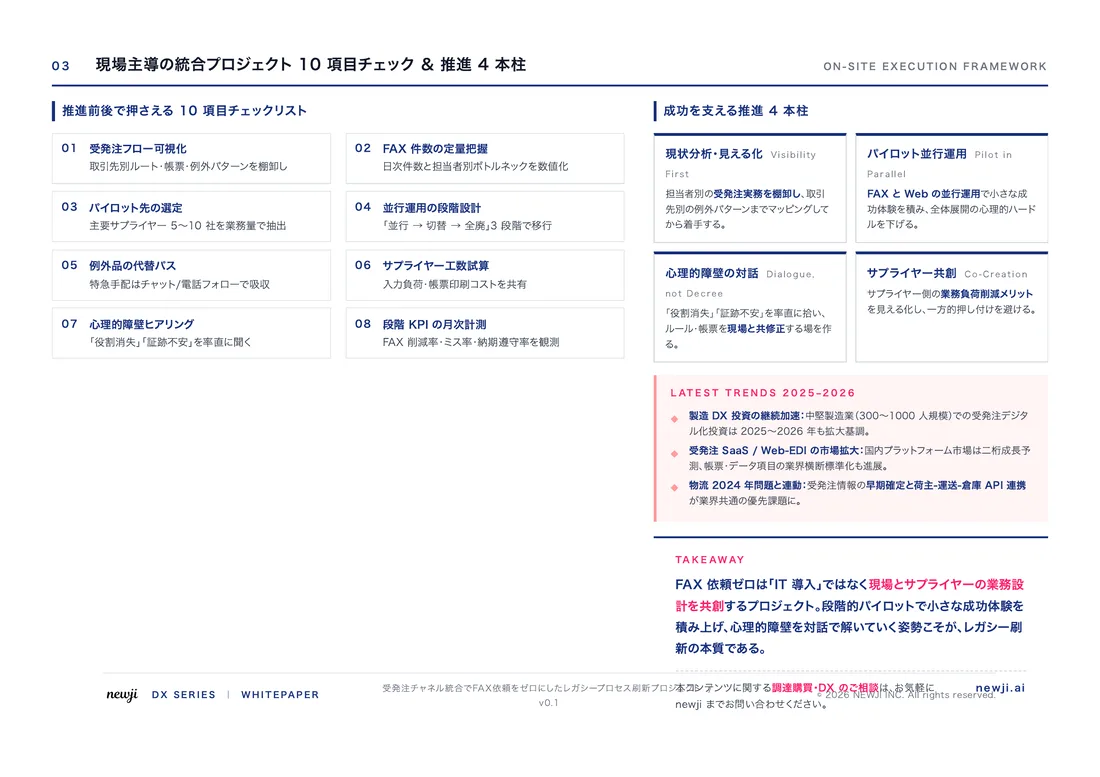
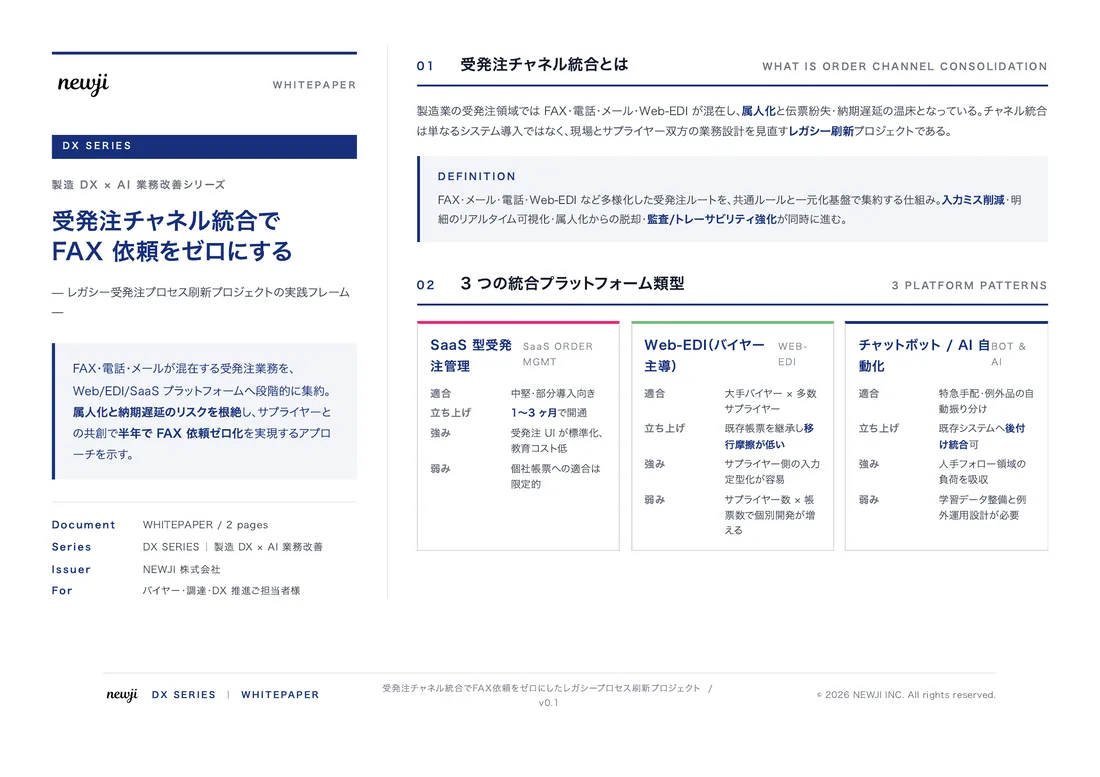
無料ホワイトペーパーをプレゼント
製造業の現場で使える実務資料(PDF)を無料でお届けします。"こんな資料が届きます" ↓ 下のボタンからどうぞ。
PRODUCT — 製造業向け 調達・受発注クラウド
この記事の課題、
newji で解決しませんか?
newji は、製造業の調達・受発注に特化したクラウド/AIエージェント。見積依頼・発注書作成・進捗管理・承認をひとつの画面に集約し、AIが比較と異常検知を担当。最後の「GO」だけ人が押す仕組みです。
- 見積〜発注〜納期を一元管理。催促・転記のムダをゼロに
- AIが相見積もり比較と異常検知。あなたは判断だけに集中
- 取引先は「招待」で完全無料。自社コストだけで取引先ごとデジタル化
※ 取引先から招待された企業様は完全無料でご利用いただけます


 調達購買アウトソーシング
 OEM/ODM 生産委託
 NEWJI DX
 受発注AIエージェント