

- お役立ち記事
- How uneven paper density causes uneven color during printing

その単価は妥当か。
AI が根拠付きで分析。
相見積の比較も発注も進捗管理も、ひとつの画面に。

How uneven paper density causes uneven color during printing

目次
Understanding Paper Density
Printing is an intricate process that many of us take for granted in our everyday lives.
We press print and expect our documents to appear in pristine condition, without considering the complexities involved.
One critical factor in achieving high-quality prints is the paper itself, specifically its density.
Paper density refers to the mass of paper per unit volume, typically measured in grams per square meter (gsm).
Understanding this concept is crucial when considering how it affects print results, particularly concerning color distribution.
What is Uneven Paper Density?
Uneven paper density occurs when the paper’s mass isn’t consistent throughout its sheet.
This can be due to variations in the manufacturing process, where fibers may not be uniformly distributed.
These inconsistencies can lead to varying thicknesses and textures across the paper.
When paper density isn’t uniform, it creates zones of differing absorbency.
This results in an irregular surface for the printer ink or toner to adhere to.
Why Does it Matter in Printing?
In printing, the paper plays as significant a role as the ink or toner itself.
Uneven paper density can lead to uneven color application, among other issues.
For instance, areas with higher density absorb more ink, which can lead to a darker appearance.
Conversely, thinner areas absorb less ink, resulting in lighter hues.
This inconsistency can ruin the aesthetics of a document or image, producing an unprofessional look.
The Impact on Color Quality
The subtleties in coloring are crucial, whether you’re printing a detailed photograph or a simple text document.
When paper density is inconsistent, these subtleties can be lost.
In photographs, shadows may appear blotchy.
Areas that should blend seamlessly might have abrupt transitions in tone.
How Printers Compensate
Modern printers, especially those used in professional settings, come equipped with various technologies to tackle this issue.
Many high-end printers have sensors that detect paper thickness variations.
These sensors adjust the ink flow accordingly to ensure a more uniform color application.
However, while such technology improves print quality, it can’t completely negate the effects of very uneven paper.
Recognizing Uneven Print Results
For the layperson, identifying the effects of uneven paper density on prints requires a keen eye.
Inconsistencies might manifest as stripes or bands across a colored area.
Alternatively, a photograph may lack depth or appear washed out in certain sections.
How to Choose the Right Paper
Selecting the right paper can mitigate many issues associated with uneven density.
For optimal print results, consider investing in high-quality paper with a consistent density.
Typically, these papers are manufactured with stringent quality control measures to ensure uniformity.
Look for papers specifically designed for your type of printer, be it inkjet or laser, as they cater to the specific characteristics of the printing method.
The Role of Paper Weight
Beyond density, paper weight is an essential consideration.
For instance, heavier papers often provide better color duplication because they absorb ink more evenly.
However, this is not a rule without exception.
Continuous testing and adjustments may be needed, especially in professional settings where color accuracy is critical.
Sustainable Options
As sustainability becomes increasingly vital, it’s worth noting that many eco-friendly papers maintain high quality without sacrificing print outcomes.
These papers are often made from recycled materials or sustainably sourced fibers.
Manufacturers of these papers strive for both environmental friendliness and print quality, making them a viable option for conscientious consumers.
Tips for Improved Print Quality
While paper choice is crucial, a few additional steps can enhance your print quality further.
Ensure your printer is regularly maintained. This includes cleaning printheads and updating software.
Regular maintenance aids in achieving consistent color output despite paper density issues.
Printer Settings Matter
Take the time to explore and understand your printer settings.
Adjust settings such as paper type and print quality to match your paper selection.
Doing so can optimize the color output and accommodate minor density variations.
Test Prints
Before undertaking a major print job, it’s beneficial to run a test print.
This simple step allows you to evaluate the output on your chosen paper and make any necessary adjustments before committing.
Conclusion
In summary, understanding the impacts of uneven paper density is integral to achieving high-quality print results.
From choosing the right paper to leveraging your printer’s advanced settings, each step plays a part in overcoming potential print challenges.
With mindful consideration and preparation, you can mitigate the effects of uneven paper density and achieve prints that are as close to perfect as possible.
この記事の理解を深める
無料ホワイトペーパーをプレゼント
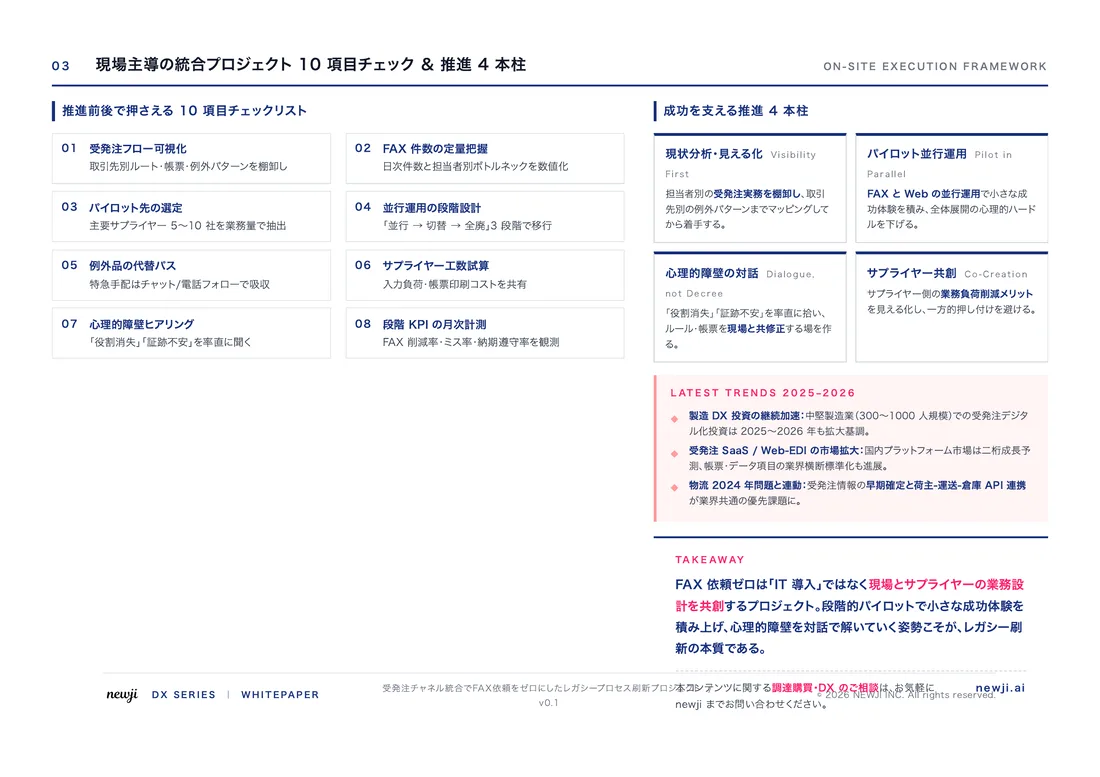
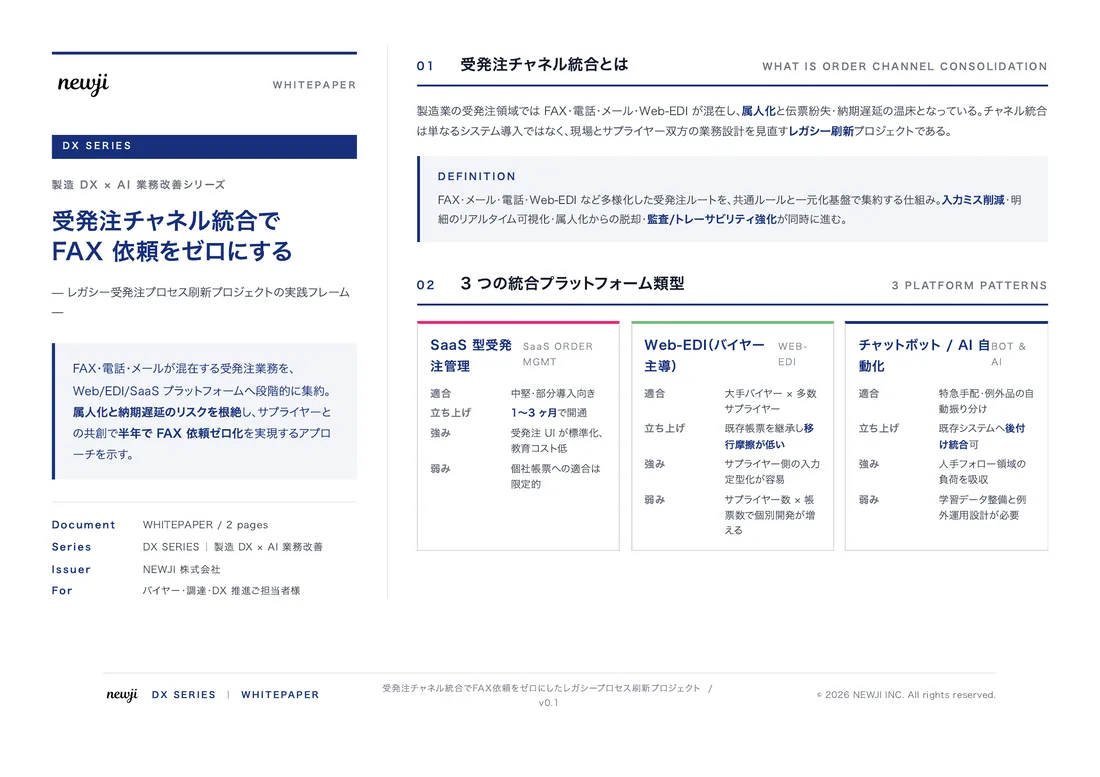
製造業の現場で使える実務資料(PDF)を無料でお届けします。"こんな資料が届きます" ↓ 下のボタンからどうぞ。
FREE DOCUMENT — サービス資料(PDF・無料)
製造業の見積・受発注クラウド
「Newji one」とは
Newji one は、製造業の調達・受発注に特化したクラウド/AIエージェント。見積依頼・発注書作成・進捗管理・承認をひとつの画面に集約し、AIが比較と異常検知を担当。最後の「GO」だけ人が押す仕組みです。
▶ 製造業の見積・受発注クラウド「Newji one」を、資料で見る(PDF・無料)
- 見積〜発注〜納期を一元管理。催促・転記のムダをゼロに
- AIが相見積もり比較と異常検知。あなたは判断だけに集中
- 取引先は「招待」で完全無料。自社コストだけで取引先ごとデジタル化
※ 取引先から招待された企業様は完全無料でご利用いただけます





 NEWJI総研
 OEM/ODM 生産委託
 AI/DX支援
 見積・発注クラウド Newji one
受発注が増えるほど、入力・確認・催促が重くなる。
受発注管理を“仕組み化“して、ミスと工数を削減しませんか。
見積・発注・納期まで一元管理できます。