

- お役立ち記事
- Writing skills to create and improve easy-to-read manuals

スタートアップから大手まで。
調達・受発注をAIで標準化。
相見積比較も進捗管理もAIが下支え。取引先は招待で完全無料。

Writing skills to create and improve easy-to-read manuals

目次
Introduction to Writing Easy-to-Read Manuals
Creating manuals that are easy to understand is an essential skill for anyone involved in writing or editing.
An effective manual can significantly enhance the user experience by guiding readers through processes clearly and efficiently.
Whether you’re crafting a user guide for a new piece of technology or writing instructions for assembling furniture, the principles of good manual writing remain the same.
This article will cover key writing skills that help create and improve easy-to-read manuals, ensuring that readers have a positive and informative experience.
Understanding Your Audience
Before you start writing a manual, it’s crucial to understand your audience’s needs and skill level.
Consider who will be using the manual and what prior knowledge they may have about the product or process.
Are they beginners requiring detailed explanations, or experts needing only a technical overview?
Recognizing the target audience will help tailor the content to suit their understanding.
Speak directly to your audience and use language that resonates with them.
Avoid jargon or technical terms unless it is common knowledge among your target users.
When technical language is necessary, ensure that definitions or explanations are provided.
Structuring the Manual
A well-structured manual helps readers find information quickly and easily.
It should have a logical flow that gradually builds on the user’s understanding.
Start with an overview or introductory section that sets the stage for what will be covered.
Outline key steps in a logical sequence, where each step seamlessly leads to the next.
Using Headings and Subheadings
Break your content into sections using headings and subheadings.
H2 and H3 tags are valuable tools for this purpose.
Headings help readers locate information quickly without having to read the entire document.
Subheadings allow breaking down more detailed instructions into digestible parts.
Incorporating Step-by-Step Instructions
When writing instructions, use numbered steps to guide users through tasks.
Each step should represent a single action, which reduces the complexity and potential errors.
Clear, concise, and active language should be employed, with sentences beginning with the verb describing the action required.
For example, instead of writing “When the button is clicked, the device will turn on,” it’s clearer to say, “Click the button to turn on the device.”
Using Bullet Points and Lists
Bullet points and lists are effective for conveying lists of items, options, or tasks.
They help break down complex information into manageable chunks, making it easier for users to comprehend.
Lists can be used to cover key points, features, precautions, or requirements without overwhelming the reader with dense text.
Creating Clear and Concise Content
Clear and concise writing is key to making manuals easy to read.
Avoid unnecessary words or complex sentences that could confuse the reader.
Each sentence should serve a specific purpose and convey information as effectively as possible.
Using Simple Language
Simplify your language by using common and familiar words.
Instead of “utilize,” use “use”; instead of “commence,” use “start.”
Keep sentence structures straightforward to prevent misinterpretation.
Whenever possible, opt for the simplest way to explain a concept or action.
Avoiding Ambiguity
Ambiguity in a manual can lead to user frustration and errors.
Use specific language and clarify any points that might be interpreted in more than one way.
For example, instead of saying “press the button after a moment,” clarify with “press the button after waiting five seconds.”
Incorporating Visual Elements
Visual elements like diagrams, images, and charts can enhance understanding, especially for visual learners.
These elements are helpful in demonstrating processes, identifying parts of a product, or confirming users are on the right track.
Choosing Appropriate Visuals
Select visuals that truly aid in understanding rather than being decorative.
Images should be clear, well-labeled, and directly related to the text.
Diagrams illustrating step-by-step procedures can be particularly beneficial, showing readers exactly what to expect.
Positioning and Referencing Visuals Correctly
Position visuals near relevant text to avoid confusion.
Reference each visual within the text to confirm its importance and guide the user’s attention to critical information.
This ensures users know when to look at a visual and what they should gain from it.
Testing and Refining the Manual
After drafting your manual, testing it is an essential step toward ensuring clarity.
Share it with a sample group resembling your end users.
Feedback can highlight areas that are still lacking in clarity or ease of use.
Implementing Feedback
Take the feedback seriously and be willing to make revisions.
This process might involve rewording sections, adding clarifications, or simplifying complex instructions.
Iterative feedback improves the manual’s quality over time.
Conducting a Final Review
Once revisions are made, conduct a thorough final review.
Check for grammatical errors, ensure consistent terminology, and verify the accuracy of all information.
A polished and error-free manual reflects well on your professionalism and helps users trust the content.
Conclusion
By understanding your audience, structuring thoughtfully, writing clearly, and using visuals effectively, you can create excellent manuals that serve their purpose and enhance user experience.
Remember, a good manual not only conveys information but also empowers its users.
With these skills and techniques, you’re on your way to producing manuals that are invaluable resources for anyone who needs them.
この記事の理解を深める
無料ホワイトペーパーをプレゼント
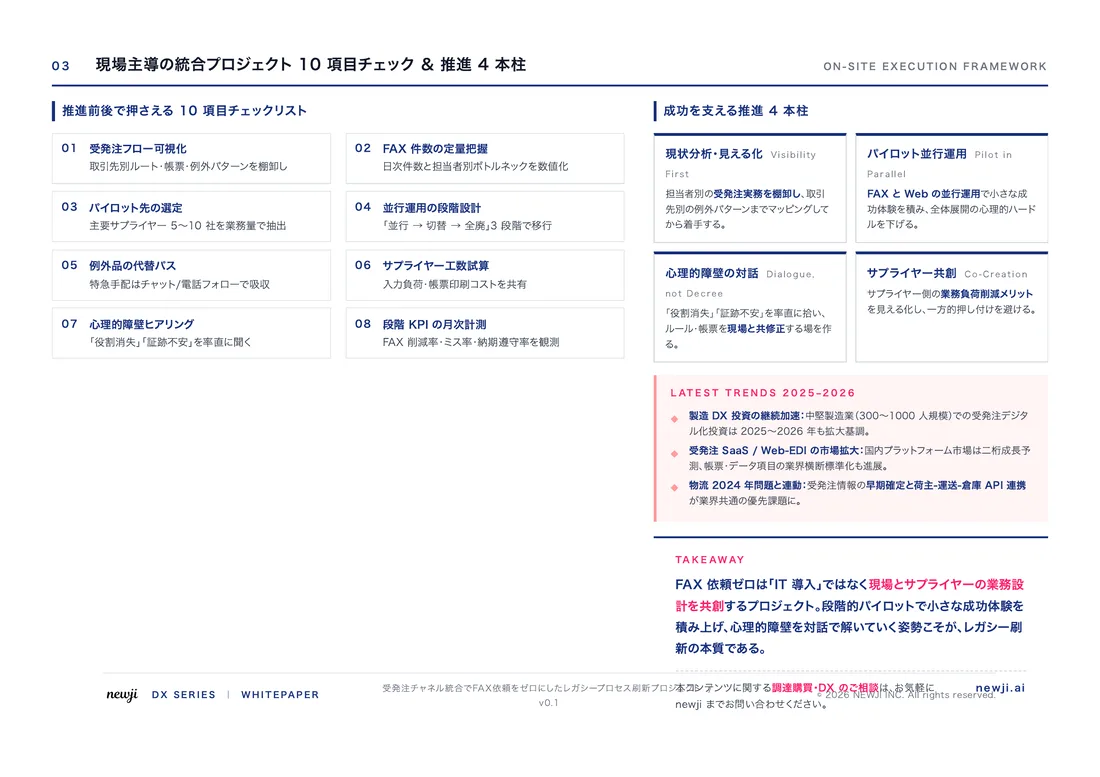
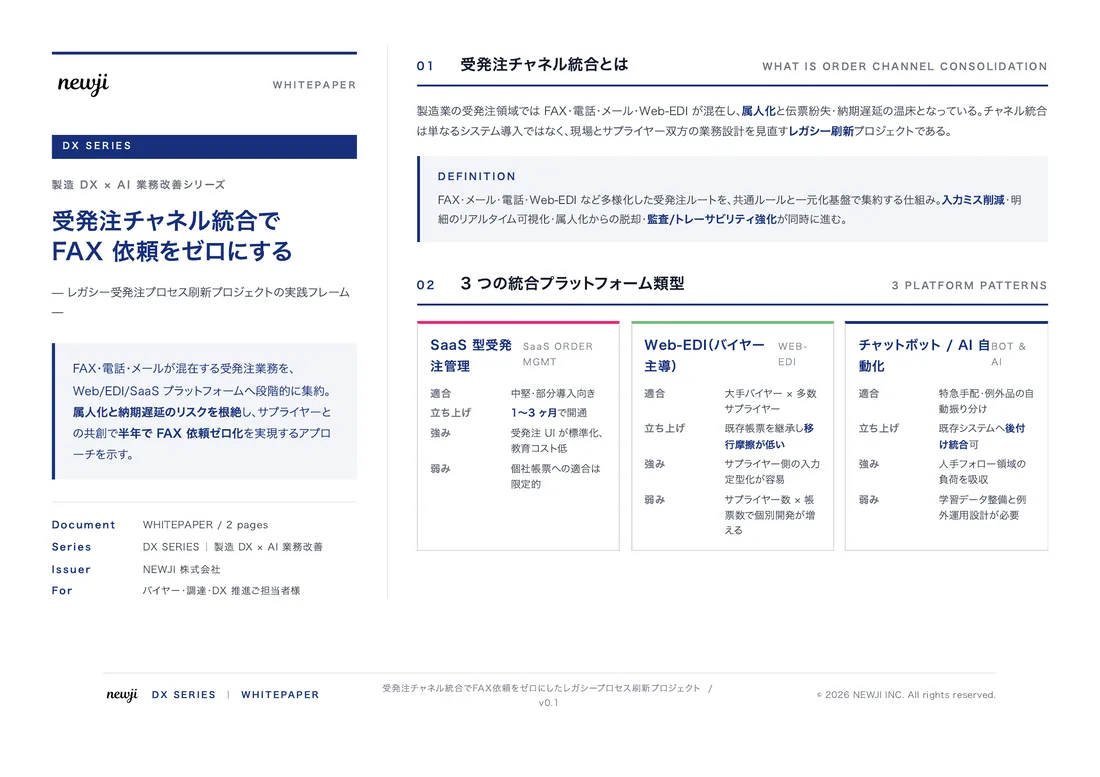
製造業の現場で使える実務資料(PDF)を無料でお届けします。"こんな資料が届きます" ↓ 下のボタンからどうぞ。
PRODUCT — 製造業向け 調達・受発注クラウド
この記事の課題、
newji で解決しませんか?
newji は、製造業の調達・受発注に特化したクラウド/AIエージェント。見積依頼・発注書作成・進捗管理・承認をひとつの画面に集約し、AIが比較と異常検知を担当。最後の「GO」だけ人が押す仕組みです。
- 見積〜発注〜納期を一元管理。催促・転記のムダをゼロに
- AIが相見積もり比較と異常検知。あなたは判断だけに集中
- 取引先は「招待」で完全無料。自社コストだけで取引先ごとデジタル化
※ 取引先から招待された企業様は完全無料でご利用いただけます



 調達購買アウトソーシング
 OEM/ODM 生産委託
 NEWJI DX
 受発注AIエージェント